Creating a Vinyl Listening Journal with Smart Tags
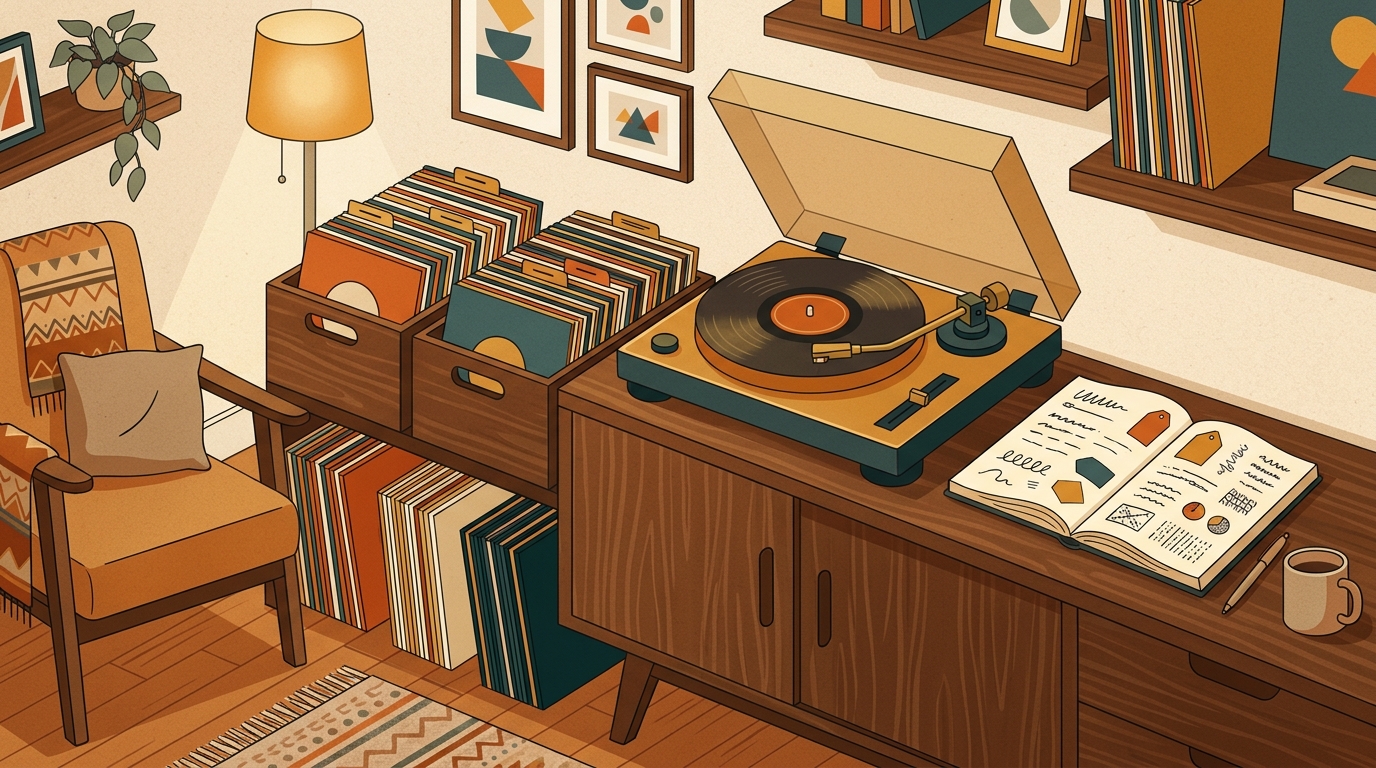
A listening journal turns a shelf of records into a history of what you actually heard. The useful version is not a school assignment or a second inventory database. It is a quick record of the pressing, the playback setup, the room, your reaction, and what deserves another spin. A system built around vinyl listening journal smart tags makes those entries searchable without draining the pleasure out of listening.
That distinction matters as vinyl keeps attracting new and returning collectors. The RIAA reported $1 billion in United States vinyl revenue for 2025, up 9.3 percent, marking 19 years of growth [1]. More records in the house means more versions, system experiments, cleaning decisions, and half-remembered discoveries. A journal supplies the missing context.
1. Build the smallest entry you will use every time
Start with seven fields: date, artist and album, exact release, playback chain, condition, listening note, and tags. The exact release field is worth the extra minute. Discogs recommends checking the catalog number, images, and other identifiers when matching a copy to a release [2]. If two pressings sound different, “Blue Note LP” is not enough information to explain why.
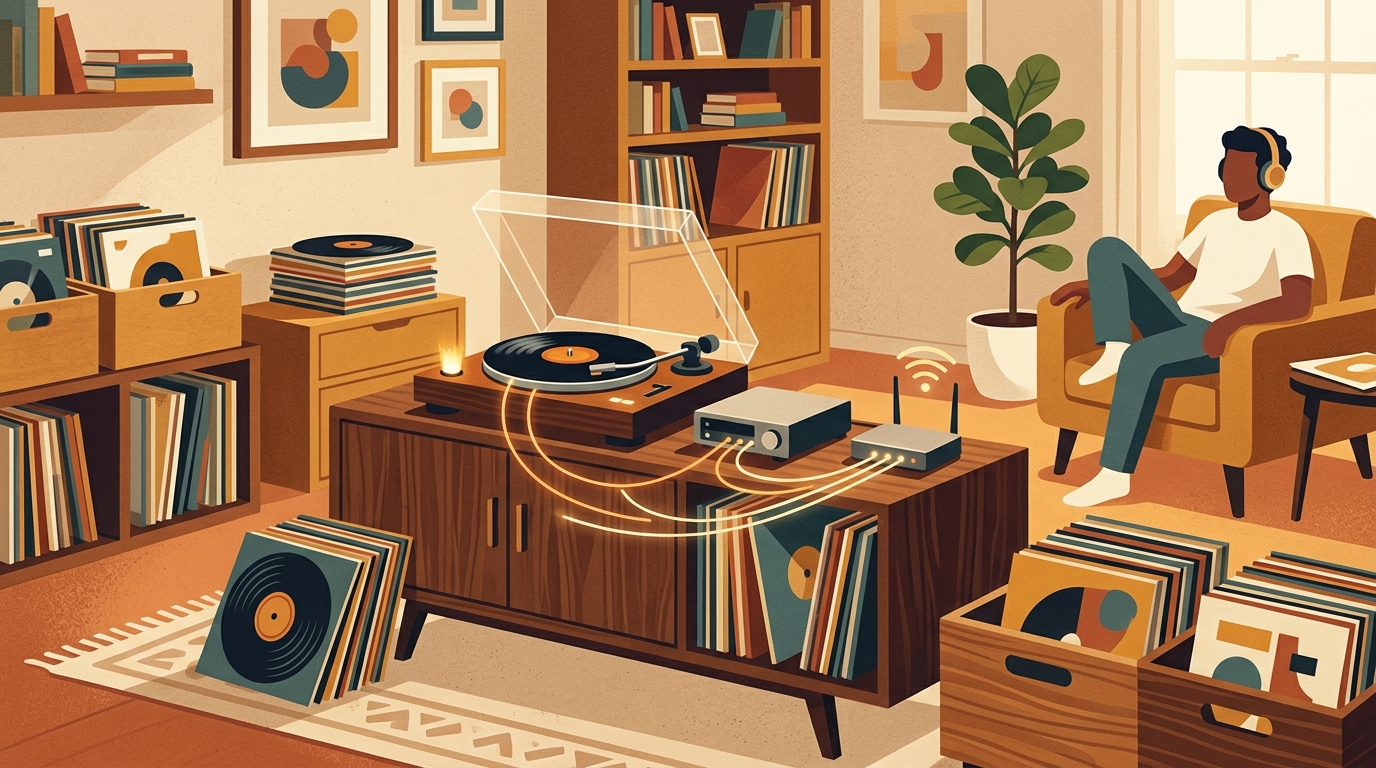
Your playback chain can be compact: “Technics SL-1200GR2, AT-VM95ML, Schiit Mani 2, speakers.” Add tracking force or phono settings only when they changed. For the note, limit yourself to two or three sentences. Describe what was audible, not what a review says you should hear: cymbals softened after cleaning, vocal image pulled left, side two had more surface noise, bass tightened at a lower speaker volume.
2. Create a controlled smart-tag vocabulary
Smart tags work when the same idea always gets the same label. “Late night,” “night listening,” and “after midnight” feel expressive, but they split one useful category into three weak ones. Use short namespaces so tags sort naturally:
- Mood: mood:focused, mood:social, mood:late-night, mood:nostalgic
- Sound: sound:warm, sound:bright, sound:dynamic, sound:noisy, sound:bass-heavy
- Context: context:first-spin, context:comparison, context:guest, context:headphones
- Action: action:clean-again, action:new-inner-sleeve, action:check-alignment, action:replay
Keep the master list to roughly 20 to 30 tags at first. Use three to seven on an entry. If a label appears only once after several months, merge it into a broader category. The goal is retrieval, not taxonomy theater.
3. Separate facts, ratings, and observations
A five-star score is fast, but it mixes the music, pressing, condition, and your mood. Split those judgments. Give the album a personal rating only if you find ratings helpful, then track pressing sound and physical condition separately. Discogs already supports customizable collection fields with dropdown or free-text types, and its collection notes are private by default unless you make them public [3]. That makes it a practical place for pressing facts while your journal holds the listening story.
Here is a useful example: “First full play after ultrasonic cleaning. Piano transients are cleaner, but repeated ticks remain through track three. mood:focused, sound:dynamic, context:re-clean, action:grade-again.” That entry tells you what changed and what to do next.
4. Add physical smart tags only where they are reversible
If you enjoy a tactile system, put a small QR code or NFC sticker on the removable outer sleeve or on a shelf divider. Link it to the journal page for that copy. NFC Forum guidance explains that consumer NFC tags commonly use NDEF records to hand a URL to a phone [4]. The tag should be a doorway, not the database.
Never stick anything to the vinyl, center label, obi, insert, or original jacket. The Library of Congress advises handling recorded discs only by the outer edge or label area and storing them vertically in a cool, dry place [5]. A removable polyethylene outer sleeve gives you a replaceable surface for labels without altering the artifact.
5. Review the journal once a month
The payoff arrives when you ask the entries questions. Which records repeatedly get sound:noisy? Did a cartridge change produce more sound:bright notes? Which albums earn action:replay but never get played again? What works best for late-night listening? A monthly ten-minute review can produce a cleaning queue, a comparison playlist, and a shortlist of records to sell or upgrade.
What's Spinning can handle the quick capture while the record is on the turntable, which is the moment when your memory is most specific. Whatever tool you use, export or back up the entries periodically. Discogs offers CSV exports for collection data, another good reason to keep release identification separate from your personal listening layer [2].
A simple journal template
- Date and setting: October 29, evening, speakers
- Record: artist, title, label, catalog number, pressing year
- System: turntable, cartridge, phono stage, headphones or speakers
- Condition: media grade, sleeve grade, cleaning status
- Listening note: two or three concrete sentences
- Tags: three to seven controlled labels
- Next action: replay, clean, compare, resleeve, or none
The best journal is the one that survives contact with a real listening session. Keep the form short, make the tags consistent, and let the details accumulate naturally. After a few months, you will have something more useful than a list of possessions: a searchable map of your taste, your system, and the records that keep calling you back.
FAQ
What should I write in a vinyl listening journal?
Record the date, exact pressing, playback setup, condition, standout tracks, a short sound note, and a few consistent tags. Keep the required fields small enough that you will actually complete them after every session.
How many smart tags should I use for each listening session?
Three to seven tags is usually enough. Choose one or two tags for mood, one or two for sound, one for context, and an action tag only when the record needs cleaning, a new sleeve, or another comparison play.
Can I use NFC tags or QR codes on vinyl records?
Yes, but attach them to a removable outer sleeve or a shelf divider, never to the record, label, or original jacket. Program the tag or code to open the record's journal page rather than trying to store the entire entry on the tag.
Should my listening journal replace my Discogs collection?
Usually not. Discogs is excellent for identifying and inventorying exact releases. A listening journal captures personal context, system changes, sonic impressions, and what you want to do next. The two records complement each other.
Sources
A spreadsheet tracks what you own. What's Spinning identifies what's playing.
On-device vinyl ID logs your listening history automatically. 7-day free trial.
Looking for Shazam for vinyl?
What's Spinning identifies what's playing on your turntable on-device, logs history, and AirPlays now-playing to your TV.
Comparing vinyl ID apps?
Analog requires Discogs and is iPhone-first (iPad coming). What's Spinning works without Discogs on iPhone and iPad with AirPlay.
Try What's Spinning Free
Turn your iPad into a live now-playing display. Track every record you spin.
START FREE TRIALThen $4.99/mo or $39.99/yr · Cancel anytime
Get it on your iPhone
Open on iPhone