Free Vinyl Collection Spreadsheet Template Download
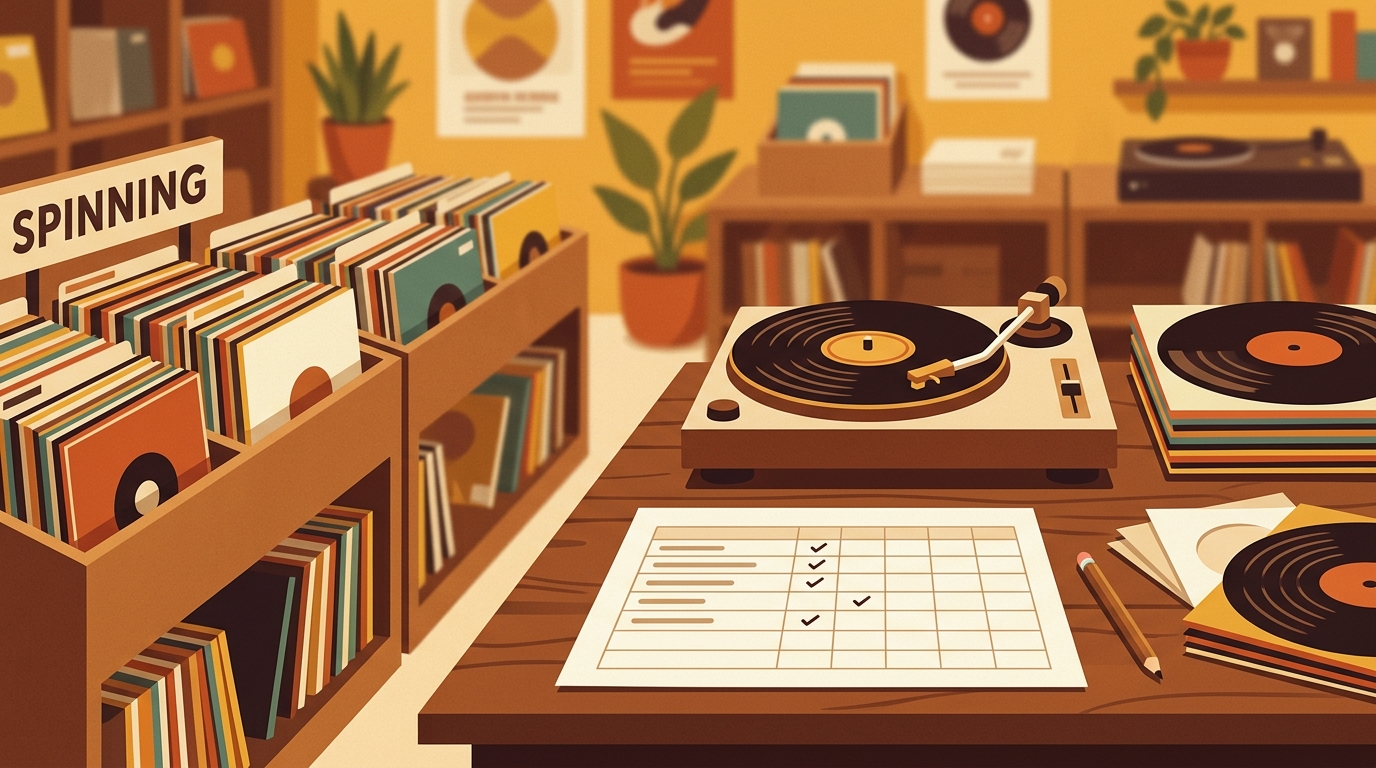
A free vinyl collection spreadsheet template sounds simple until your shelves stop being simple. Once you have multiple pressings, thrift-store finds, preorders, and gift copies, a plain list of artist and title starts to break down. A useful template should answer three questions fast: what do I own, what condition is it in, and where is the exact copy on the shelf?
That matters more now because vinyl is no longer a cheap side habit for many collectors. The RIAA's 2025 year-end recorded music report says U.S. vinyl revenue reached $1 billion, grew 9.3 percent, and marked the format's nineteenth consecutive year of growth. Luminate's 2025 year-end music report also notes that four in ten vinyl records were sold at independent record stores, which means a lot of buying still happens in places where you may be checking your collection on your phone while standing between bins.
Use the template below as a Google Sheets, Excel, Numbers, or CSV starter. If you use What's Spinning to track plays and collection activity, keep this spreadsheet as your backup and valuation worksheet.
Download-ready vinyl collection spreadsheet columns
Copy this header row into a blank spreadsheet, or paste the whole CSV block into a text file named vinyl-collection-template.csv and open it with your spreadsheet app.
Artist,Album,Release Year,Label,Catalog Number,Format,Speed,Country,Pressing Notes,Discogs Release ID,Barcode,Record Grade,Sleeve Grade,Purchase Date,Purchase Price,Current Value,Where Bought,Shelf Location,Cleaning Status,Inner Sleeve,Outer Sleeve,Last Played,Play Grade,Notes,Keep Sell Upgrade
Miles Davis,Kind of Blue,1959,Columbia,CS 8163,LP,33 1/3,US,stereo reissue,,074646490319,NM,VG+,2026-01-12,24.99,30.00,local shop,Jazz A-K,cleaned,poly,yes,2026-02-01,NM,quiet copy with light sleeve wear,Keep
You can remove fields that do not matter to you, but resist the urge to start with only artist, album, and year. Those three fields are fine for a wish list, not a real collection with different labels, matrix numbers, condition, and resale value.
The fields that earn their place
Release identity: Artist, album, release year, label, catalog number, barcode, country, and Discogs release ID help pin your row to a specific edition. Discogs' help center explains that collectors can download a CSV spreadsheet of their collection, which makes Discogs useful for importing core metadata. Your personal sheet can then hold shelf location, cleaning history, price paid, and upgrade notes.
Condition and play grade: Use separate columns for record grade, sleeve grade, and play grade. A sleeve can be VG while the disc plays near mint. A glossy disc can still have groove wear or a repeating tick. Separating visual condition from playback reality keeps your notes honest when you are deciding whether to keep, sell, or replace a copy.
Purchase and value: Track purchase date, purchase price, current value, and where bought. You do not need to revalue every record every week, but a periodic estimate helps with insurance and avoiding duplicate purchases. Original price also keeps upgrade decisions grounded. A $7 noisy copy and a $42 noisy copy do not create the same regret.
Shelf location: This is the underrated column. Use something practical, such as Rock A-D, Jazz shelf 2, New Arrivals crate, or Clean Soon box. The bigger the collection gets, the more your spreadsheet should behave like a map.
Care and cleaning: The Library of Congress recommends handling discs by the edge and label area, storing discs upright on edge, and using stable storage conditions. Your spreadsheet can turn those best practices into habits. Add fields for cleaning status, inner sleeve, outer sleeve, and last played so you know which records need attention before they go back on the turntable.
How to set it up in Google Sheets or Excel
- Create one sheet named Collection and paste the template columns into row one.
- Freeze the header row so the field names stay visible while you scroll.
- Add filters to every column, then test sorting by artist, shelf location, record grade, and purchase price.
- Use dropdown values for record grade and sleeve grade, such as M, NM, VG+, VG, G+, G, F, and P.
- Create a second sheet named Summary for totals by format, genre, shelf, and value range.
- Back up the file monthly as both a native spreadsheet and a CSV export.
If you already use Discogs, export your collection first and add the missing fields after import. That usually beats typing everything from scratch. Keep the Discogs release ID column even if you rarely look at it, because it gives you a stable reference when two releases share the same title, label, and year.
A practical grading note
Do not let grading become so elaborate that you stop updating the sheet. For most home collectors, a simple visual grade plus a short play note is enough. Write things like “side B has two ticks during track three,” “jacket has corner bend,” or “cleaned after purchase, plays better than it looks.” Those notes are more useful than pretending every used record can be summarized perfectly by one abbreviation.
When a spreadsheet beats an app
A spreadsheet is best when you want control: custom categories, insurance totals, quick exports, formulas, and offline access. It is also portable. A CSV file can move between Google Sheets, Excel, Numbers, Airtable, and many collection tools. Apps are better for scanning, listening history, social sharing, and richer metadata. Many collectors use both.
Sources
- RIAA Year-End Recorded Music Revenue Report 2025
- Luminate Year-End Music Report 2025
- Discogs: How Does The Collection Feature Work?
- Library of Congress: Care, Handling, and Storage of Audio Visual Materials
FAQ
What columns should a vinyl collection spreadsheet include?
Start with artist, album, release year, label, catalog number, format, country, Discogs release ID, record grade, sleeve grade, purchase price, current value, shelf location, cleaning status, last played, and notes. Add genre, barcode, or matrix details if you compare pressings closely.
Can I import my Discogs collection into this template?
Yes. Export your Discogs collection as a CSV, open it in your spreadsheet app, then add collector-specific columns such as shelf location, purchase price, cleaning status, play grade, and upgrade notes. Keep the release ID so you can trace each row back to the exact Discogs entry.
Is Google Sheets or Excel better for tracking records?
Google Sheets is convenient for phone access in record stores and easy sharing. Excel is excellent for larger collections, offline work, and more advanced formulas. Both can export CSV files, so choose the one you will actually keep updated.
How often should I update my vinyl collection spreadsheet?
Update it whenever you buy, sell, clean, or play-grade a record. If that feels like too much, do a quick monthly cleanup. The most important habit is recording new purchases before they disappear into the shelves.
A spreadsheet tracks what you own. What's Spinning identifies what's playing.
On-device vinyl ID logs your listening history automatically. 7-day free trial.
Looking for Shazam for vinyl?
What's Spinning identifies what's playing on your turntable on-device, logs history, and AirPlays now-playing to your TV.
Comparing vinyl ID apps?
Analog requires Discogs and is iPhone-first (iPad coming). What's Spinning works without Discogs on iPhone and iPad with AirPlay.
Try What's Spinning Free
Turn your iPad into a live now-playing display. Track every record you spin.
START FREE TRIALThen $4.99/mo or $39.99/yr · Cancel anytime