Free Listening Log Template for Vinyl Collectors
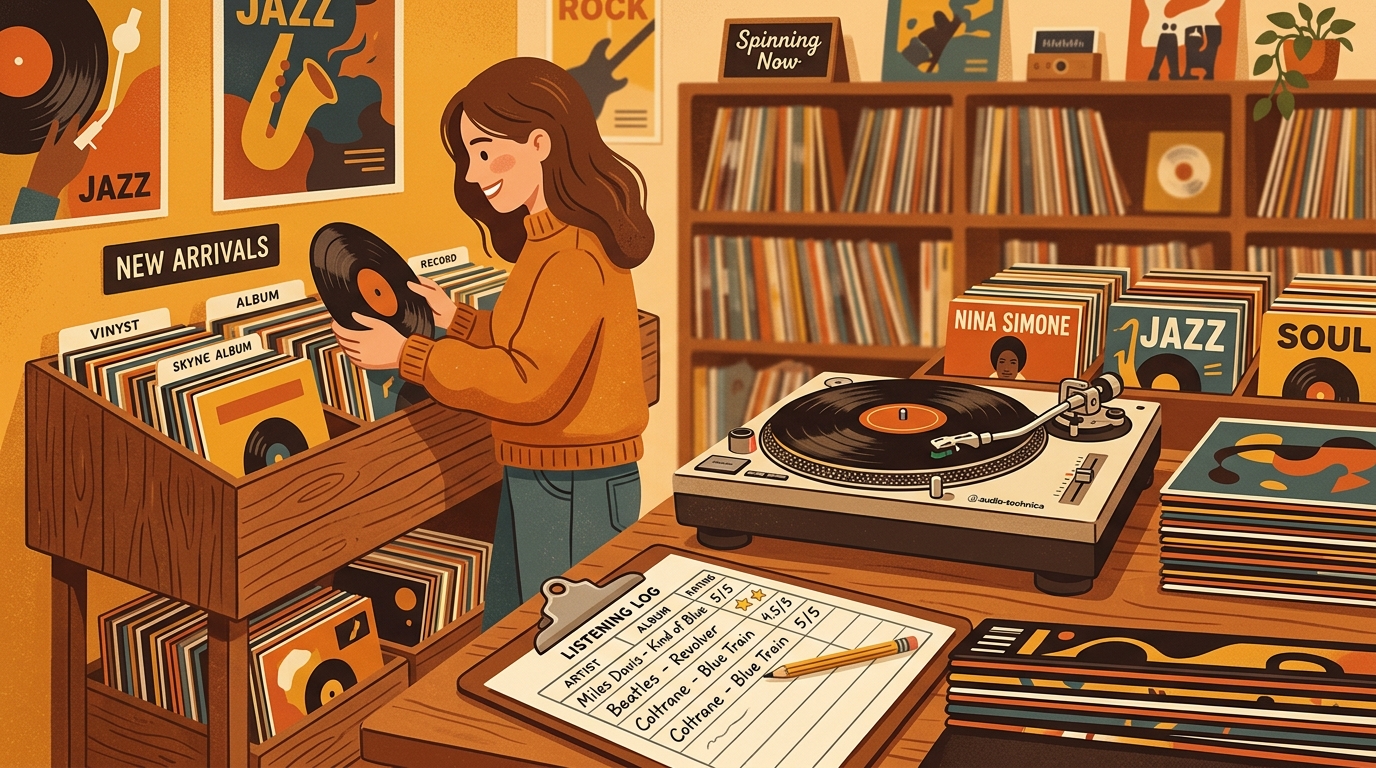
A record collection can be perfectly cataloged and still leave out the best part: what actually happened when you played the record. A listening log fills that gap. It is not a price guide, not a flex sheet, and not homework. It is a simple record of when you listened, which pressing you played, what setup you used, how the copy sounded, and whether the album earned another spin.
That matters more than ever because vinyl is no longer a tiny niche. The RIAA's 2024 year-end report says U.S. vinyl revenue grew 7 percent to $1.4 billion, the format's eighteenth straight year of growth, and vinyl albums outsold CDs 44 million to 33 million units. Globally, IFPI reported that vinyl revenue rose 4.6 percent in 2024, even while total physical format revenue dipped. In other words, more people are buying records, and a lot of those records deserve better notes than a vague memory of “sounded good.”
Download the free listening log template
Copy the header row below into Google Sheets, Excel, Numbers, Notion, Airtable, or your notes app. If you use What's Spinning to track your collection and listening history, you can use the same fields as a checklist when adding notes after a session.
Date,Artist,Album,Pressing or Release ID,Format,Speed,Side or Tracks Played,Turntable,Cartridge or Stylus,Phono Preamp,Cleaning Before Play,Condition Notes,Sound Notes,Mood or Context,Rating,Next Action
The basic columns are date, artist, album, pressing, format, side played, setup, cleaning, condition, sound notes, rating, and next action. Use the pressing field for a catalog number, barcode, matrix note, or Discogs release number. Use sound notes for surface noise, dynamics, bass, sibilance, inner groove distortion, or stereo image.
Why collectors should log listening, not just ownership
Cataloging tells you what you own. A listening log tells you what your collection is doing for you. That difference becomes obvious once a shelf passes a few hundred records. You may know you own three copies of a favorite album, but which one is the quietest? Which one has the punchier side B?
The practical reason is condition. The Library of Congress preservation guide points to research showing a well-treated LP can remain close to new after many plays, while a dirty, neglected disc may be damaged quickly. A log gives you a place to record the small facts that prevent repeat mistakes: “wet cleaned on arrival,” “new MoFi inner sleeve,” “right channel crackle after track three,” or “do not play until edge warp is checked.”
It also helps with pressing research. Discogs notes are useful, and Discogs collection notes are private by default unless you choose to make them public. For exact pressings, however, outside references can still require patience. PS Audio's cataloging guide notes that matching runout and matrix details can take anywhere from seconds to several minutes per item, especially when many releases look similar. A listening log lets you separate “identified pressing” from “actually sounds best on my system.”
How to use the template in five minutes after each listening session
Keep the first pass short. After you play a record, enter the date, artist, album, release identifier, and side played. Then write one sentence about sound and one sentence about action. That is enough to make the log useful. You can always add matrix details later when you are in a research mood, preferably with decent light and a magnifier.
Use consistent ratings. A five-point scale works well: 5 means reference copy, 4 means keeper, 3 means fine but replaceable, 2 means noisy or flawed, and 1 means sell, donate, or keep only for sentimental reasons. The “next action” field is more important than the number.
For setup fields, log only what changes. If your turntable and cartridge are stable, fill them once and duplicate the row. If you swap cartridges, change phono preamps, adjust tracking force, or replace a stylus, start logging those details carefully. Six months later, those setup notes explain why a record suddenly sounds better, worse, brighter, quieter, or less forgiving.
A completed example row
Here is a realistic entry for a collector who cares about sound but does not want the spreadsheet to become a second job:
2026-10-03,Stevie Wonder,Innervisions,Tamla T326L,LP,33 RPM,Side A,Technics SL-1200GR,Audio-Technica VM95ML,Cambridge Alva Solo,Wet cleaned,VG+ sleeve,Quiet lead-in, huge bass on Too High, late-night headphone session,5,Keep as reference copy
Notice what is not there: an essay. The row captures pressing identity, playback chain, cleaning, condition, sonic impression, context, and a decision. That is the sweet spot. If every row takes two minutes, you will keep using the template.
Best fields to add as your collection grows
Once the basic template feels natural, add columns for purchase price, store, deadwax notes, replacement sleeve date, ultrasonic cleaning cycle, and comparison copy. If you buy online, add shipping condition and return window. If you collect audiophile reissues, add mastering engineer, pressing plant, and source notes when known.
FAQ
What is a listening log template for collectors?
It is a reusable spreadsheet or note format for recording each time you play a record. A good template includes the album, pressing, date, playback setup, cleaning status, condition notes, sound notes, rating, and next action.
Should I use a spreadsheet or an app?
Use whichever one you will actually update. A spreadsheet is portable and easy to customize. A dedicated record app is better if you want listening history next to your collection, cover art, wantlist, and now-playing activity.
Do I need to log every record I play?
No. Start with new purchases, valuable records, problem copies, and albums where you own multiple pressings. Once the habit feels easy, expand from there.
What is the most important field in the template?
The “next action” field. A beautiful note is nice, but “clean again,” “upgrade copy,” “keep,” or “sell” turns listening into a useful collecting decision.
A spreadsheet tracks what you own. What's Spinning identifies what's playing.
On-device vinyl ID logs your listening history automatically. 7-day free trial.
Looking for Shazam for vinyl?
What's Spinning identifies what's playing on your turntable on-device, logs history, and AirPlays now-playing to your TV.
Comparing vinyl ID apps?
Analog requires Discogs and is iPhone-first (iPad coming). What's Spinning works without Discogs on iPhone and iPad with AirPlay.
Try What's Spinning Free
Turn your iPad into a live now-playing display. Track every record you spin.
START FREE TRIALThen $4.99/mo or $39.99/yr · Cancel anytime