How to Build a Digital Wishlist While Browsing Record Stores
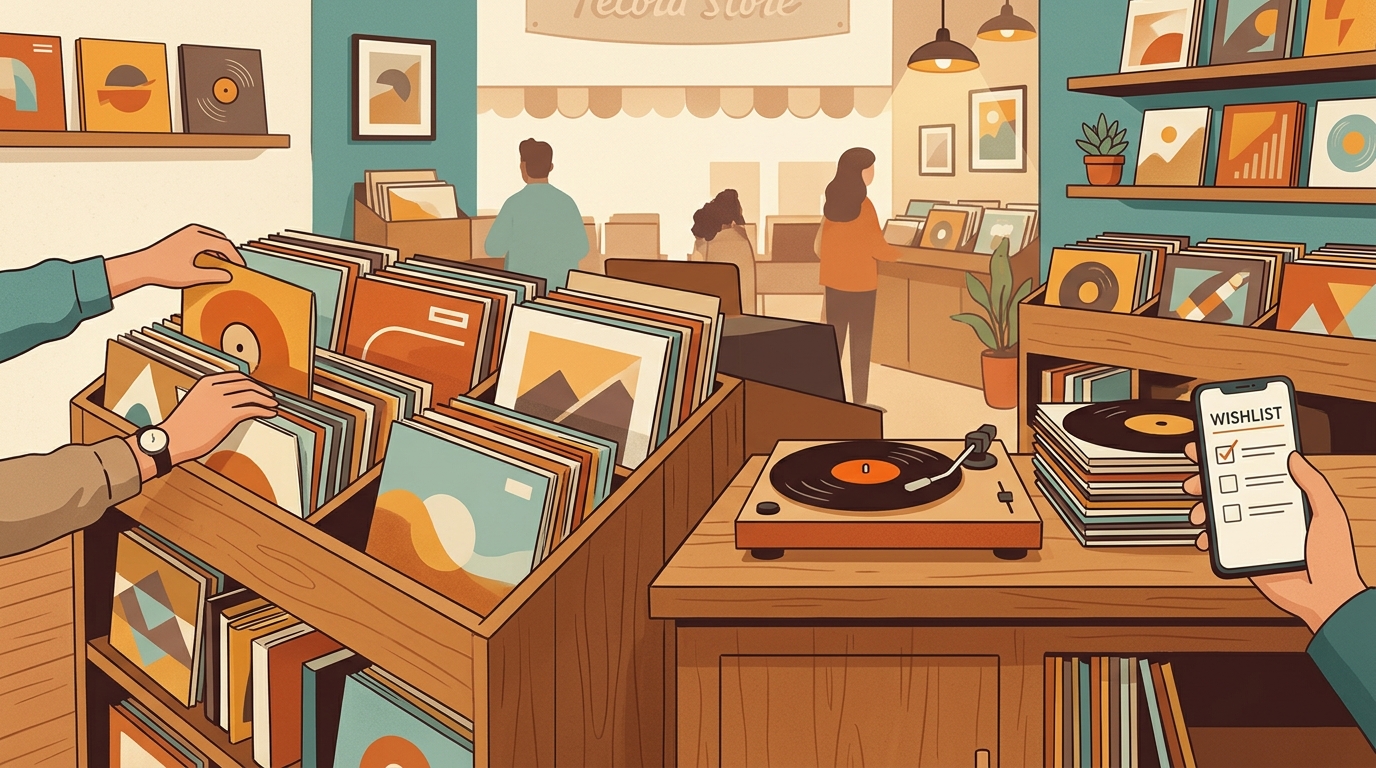
A good record-store visit creates two piles: the records you buy and the records you keep thinking about after you leave. A digital wishlist turns that second pile into something useful. Instead of saving a vague note such as “that Coltrane reissue,” you capture enough detail to recognize the right copy, compare its price, and decide whether it still deserves shelf space later.
This is worth doing because vinyl is not a tiny niche. The RIAA reported that US vinyl shipments reached 46.8 million units and $1.04 billion in retail value in 2025. With that much new and used inventory moving through shops, a disciplined digital wishlist record store routine can prevent duplicates, impulse buys, and missed pressings. Source: RIAA 2025 year-end report.
Decide what kind of “want” you are saving
Before touching your phone, ask one question: do you want the album, or do you want this particular pressing? The distinction matters. If you simply want a playable copy of Blue Train, save the title with a broad format preference and a price ceiling. If you want a specific mono pressing, label variation, mastering, color variant, or Record Store Day edition, save the exact release.
Discogs treats different reissues, manufacturers, artwork variations, formats, and colored editions as separate releases. That makes it powerful, but it also means choosing the first search result can put the wrong version on your list. Discogs' database guidelines explain why apparently identical albums can have multiple entries.
Use a 60-second capture routine in the aisle
- Photograph the front, back, and price sticker. The back cover often preserves the catalog number, barcode, label, copyright date, and country. The price sticker records what this shop asked on this visit.
- Scan the barcode when one exists. The Discogs iOS app includes a barcode scanner, but Discogs warns that not every release has a barcode in the database. A barcode can also return several versions, so treat it as a shortcut rather than proof. Source: Discogs mobile search guide.
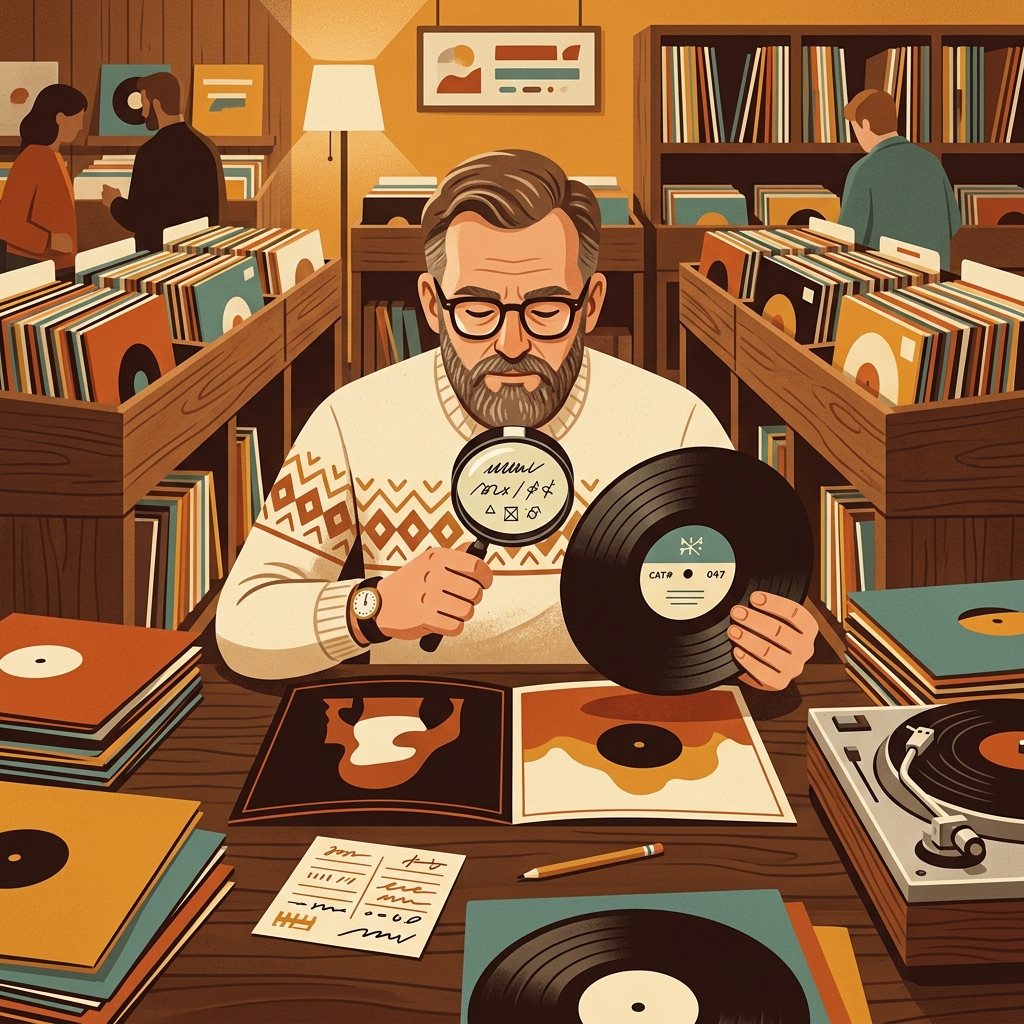
- Match the obvious identifiers. Check format, country, year, label, catalog number, vinyl color, and packaging. If the store permits inspection and the exact pressing matters, note the matrix or runout code etched or stamped near the label.
- Save context, not just a title. Record the shop, date, asking price, visible condition, and one sentence about why you passed. “$34, sleeve VG, record looked clean, buy under $28” is far more actionable than “maybe later.”
Add three fields that make the wishlist useful
Priority separates genuine targets from passing curiosity. A simple three-level system works: hunt now, buy at the right price, and listen first. “Listen first” is especially useful for recommendations discovered at an in-store listening station or from a staff pick.
Maximum price protects you from the excitement of finding something unexpectedly. Set the number before the next encounter, and include tax in your mental calculation. For online comparisons, remember that shipping changes the total. A $22 local copy can beat an $18 marketplace listing once postage is added.
Acceptable condition prevents false comparisons. Discogs uses the Goldmine grading scale. Its guide says a Very Good record generally carries about 25 percent of Near Mint value and may have audible surface noise, groove wear, or scratches. That does not make VG a bad buy, but it does make a VG price comparison against a Near Mint copy misleading. Source: Discogs grading guide.
Use market data without letting it run the hobby
When you review the list at home, compare the exact release against actual sales, not a single ambitious asking price. Discogs calculates low, median, and high values from the 30 most recent sales for a release. The median is a useful reference point, but condition, completeness, shipping, and local availability still matter. Source: Discogs sales history guide.
Try recording two numbers: your fair-price estimate and your hard ceiling. The fair price is what you expect to pay with patience. The ceiling is what you would pay for an unusually clean copy from a trusted shop. This keeps price research from becoming a command to buy.
Keep the list from becoming a digital junk drawer
Review recent additions once a week. Merge duplicate entries, remove albums you streamed and did not love, and promote the records that stayed on your mind. If you use Discogs, its Wantlist can notify you when copies are listed, show marketplace availability, and export the list as a CSV file. Notification settings matter because a broad list can create a flood of tempting listings. Source: Discogs Wantlist guide.
A practical setup is to keep exact pressing targets in Discogs and broader musical ideas in a short personal list. What's Spinning can help preserve the listening side of that decision: what you played, what you returned to, and which discoveries earned a place on the real hunt list.
A simple wishlist entry template
- Artist and title: The record you saw
- Release: Year, country, label, catalog number, format
- Identifiers: Barcode and matrix/runout when relevant
- Condition: Media and sleeve estimate
- Shop note: Store, date, and asking price
- Decision: Priority, fair price, maximum price, and reason
The goal is not to catalog every object you touch. It is to leave the store with a small, trustworthy queue of records you would be happy to find again.
Frequently Asked Questions
Should I add the master release or the exact pressing to my wishlist?
Add the exact pressing when mastering, country, color, packaging, or collectibility matters. If you only want the music on a clean vinyl copy, a title-level note with acceptable formats and a budget is usually more flexible.
Can a barcode identify a vinyl pressing exactly?
Not always. A barcode can narrow the search, but multiple pressings may share one, and older releases may have no barcode. Confirm with the catalog number, label design, country, format, and matrix/runout information when necessary.
What price should I put on a record wishlist?
Use recent sales for the exact release and comparable condition, then set a fair target and a hard ceiling. Include online shipping when comparing a marketplace listing with a local shop price.
How often should I clean up my digital wishlist?
A short weekly review works well for active shoppers. Remove weak interests, combine duplicates, update price limits, and move the most important records to the top before your next store visit.
A spreadsheet tracks what you own. What's Spinning identifies what's playing.
On-device vinyl ID logs your listening history automatically. 7-day free trial.
Looking for Shazam for vinyl?
What's Spinning identifies what's playing on your turntable on-device, logs history, and AirPlays now-playing to your TV.
Comparing vinyl ID apps?
Analog requires Discogs and is iPhone-first (iPad coming). What's Spinning works without Discogs on iPhone and iPad with AirPlay.
Try What's Spinning Free
Turn your iPad into a live now-playing display. Track every record you spin.
START FREE TRIALThen $4.99/mo or $39.99/yr · Cancel anytime
Get it on your iPhone
Open on iPhone