Free Vinyl Shelf Label Template for Download
Free Vinyl Shelf Label Template
Print labels to organize your shelves—or let the app track where every record lives.
Then $4.99/mo or $39.99/yr · Cancel anytime
A free vinyl shelf label template is a small thing that solves a very real collector problem: the moment your shelf stops being a stack of favorite records and starts behaving like a tiny, opinionated archive. You know the feeling. The record you wanted is definitely somewhere near the S section, unless you filed solo artists by first name last year, or unless it migrated to a new-arrivals pile that never quite returned home.
This downloadable shelf label system is built for normal homes, cube shelves, crates, and record-store style bins. It gives you printable label text, sensible section sizes, and a filing method that works whether you own 60 records or 1,000. The goal is not to turn listening into office work. The goal is to find the record faster, handle it less, and get back to the turntable.
That matters because vinyl is still growing as a physical format. RIAA's 2024 year-end report says U.S. vinyl revenues grew 7 percent to $1.4 billion, marking the eighteenth consecutive year of growth; vinyl also outsold CDs in units for the third year in a row, 44 million LPs and EPs versus 33 million CDs [1]. More records coming into the house means more duplicates, forgotten favorites, and mystery sleeves unless the shelves have a system.
Download-friendly vinyl shelf label template
Use the following layout as the printable template. Copy it into a document, set the page to landscape, choose a bold sans serif font, and print on 80 lb or heavier card stock. For a shelf-edge label, cut each label to about 3 inches wide by 1 inch tall. For a divider card, attach the label to a 12 inch by 13 inch card with a tab that rises about half an inch above the LP jackets.
| Label type | Use it for | Example text | Best section size |
|---|---|---|---|
| Alphabet tab | Main artist filing | A, B, C, D, E | 20 to 60 LPs per letter |
| Range tab | Large shelves | A to C, D to G, H to L | 40 to 80 LPs per range |
| Genre tab | Mood browsing | Jazz, Soul, Punk, Electronic | One cube or crate per genre |
| Queue tab | Active listening | New arrivals, Clean next, Play this week | 10 to 25 LPs |
| Care tab | Maintenance notes | Needs sleeve, Wash next, Check grading | Small temporary section |
The most useful labels are boring. A beautiful label you cannot read from standing height is just shelf decoration. Use high contrast, large type, and plain words. Cream card stock with black type looks good beside wood, walnut, black cubes, and most turntable setups.
Build the filing system before you print
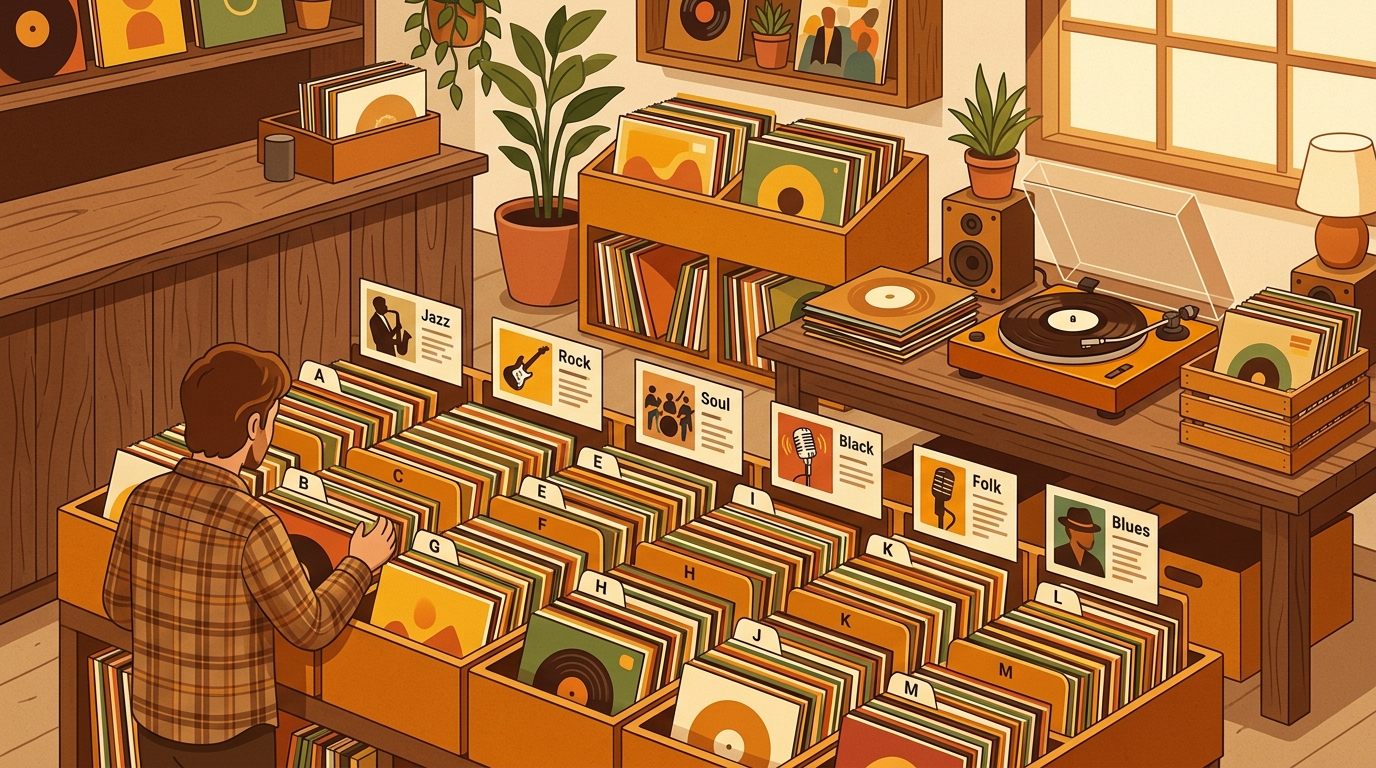
For most collections, start alphabetical by artist. File solo artists by last name, so Miles Davis goes under D and Joni Mitchell goes under M. File bands by the first meaningful word, so The Cure goes under C and The Rolling Stones goes under R. If you keep soundtracks, compilations, 7-inch singles, or box sets separately, give each its own label instead of forcing it into the main run.
Genre organization works when you browse by mood, but keep it practical. A small jazz section only needs one Jazz label. A larger one might split into Vocal Jazz, Hard Bop, Fusion, and Free Jazz. Discogs notes that its database is organized around artists, labels, and releases, with search filters for format, genre, style, year, country, and other release details [2]. Your shelf labels do not need that much detail, but the idea is useful: separate only the categories that help you find records.
If you track plays in What's Spinning, keep the app and the labels doing different jobs. The app remembers what you played and when. The shelf labels tell your hands where to go. Together, they make the collection feel less like storage and more like a listening room with a memory.
Make labels that protect the records
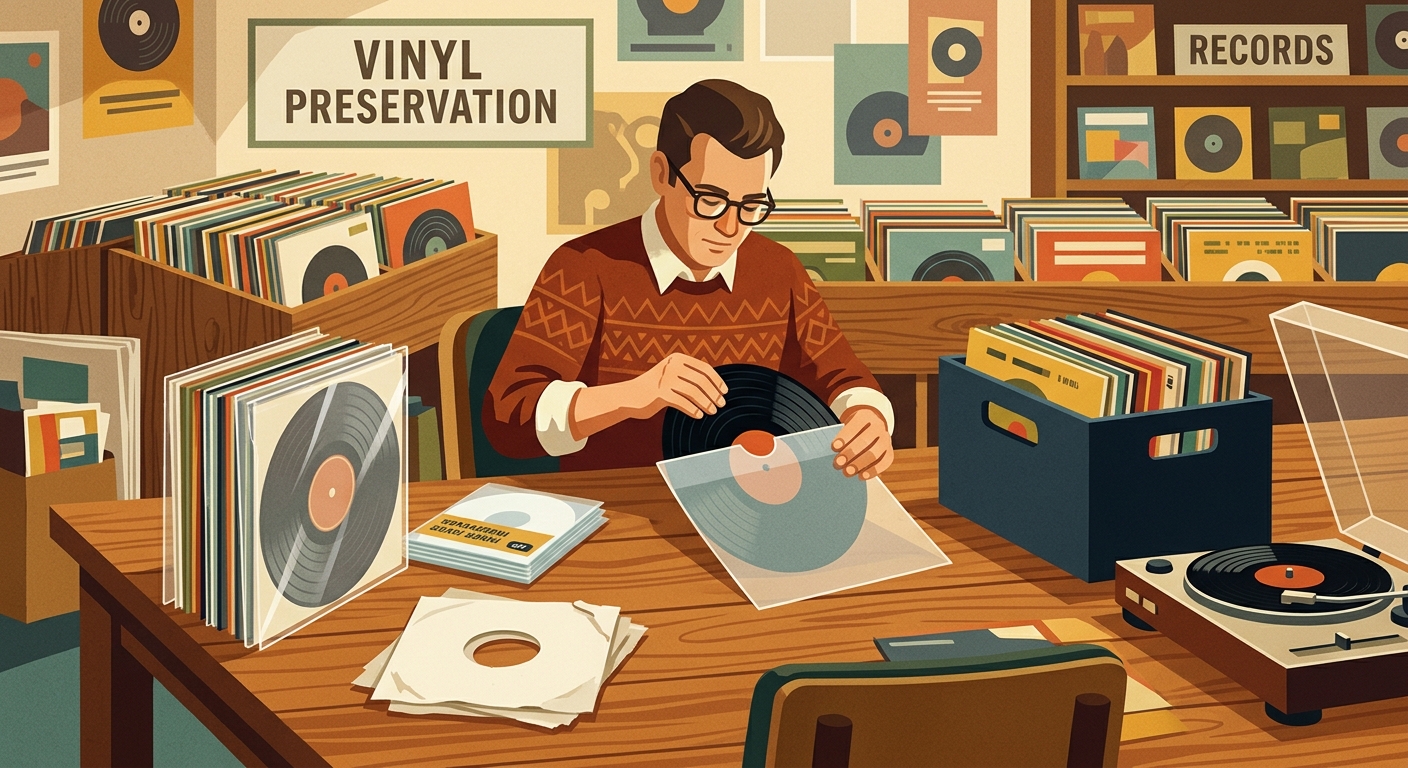
Good labels should never fight preservation basics. The Library of Congress recommends storing grooved discs upright, using sturdy shelving because grooved discs average more than 35 pounds per shelf-foot, and placing sturdy dividers every 4 to 6 inches so the whole face of the disc in its sleeve is supported [3]. That is the quiet superpower of divider labels: they make browsing easier while helping the row stay vertical.
Avoid adhesive labels directly on record jackets, especially older sleeves, laminated covers, textured paper, imports, or anything valuable. Put adhesive on the shelf lip, on a replaceable outer sleeve, or on a divider card. If you make your own dividers, round the corners or use smooth plastic so a tab never catches an outer sleeve.
Leave breathing room too. A shelf packed so tightly that you need two hands to remove a record is not organized, it is compressed. Give every labeled section a little expansion space, especially letters like M, S, and T, which tend to grow quickly in rock, jazz, soul, and pop collections.
A 30-minute setup plan
- Pull one cube, crate, or shelf at a time. Do not empty the whole room unless chaos is your cardio.
- Sort records into rough alphabet piles, then pull out special sections such as soundtracks, 45s, box sets, and new arrivals.
- Print alphabet labels first. Add genre and queue labels only after the main shelf makes sense.
- Place dividers every few inches in crowded rows, or at least at each letter break.
- Stand at normal listening distance and check readability. If you have to crouch, enlarge the type.
- Put one record on when you finish. The reward for organizing records should always be playing one.
Once the labels are in place, treat them as flexible. If one genre grows too large, split it. If a queue label becomes a permanent pile, either shelve those records properly or admit that you need a Recently Played section. The best vinyl shelf label template is the one that changes as your collection changes.
FAQ
What size should vinyl shelf labels be?
A 3 inch by 1 inch shelf-edge label is readable on most cube shelves. For divider cards, mount that label on a 12 inch by 13 inch card and leave a half-inch tab visible above the jackets.
Should I organize records alphabetically or by genre?
Alphabetical by artist is the best default if you usually look for a specific album. Genre first works well if you choose by mood, especially when each genre is also alphabetized inside the section.
Can labels or divider cards damage records?
They can if they are rough, adhesive, or packed too tightly. Keep sticky labels off jackets, use smooth divider cards, and leave enough space that records can slide without pressure.
How many records should be behind one label?
Once a section reaches about 40 to 60 LPs, split it into smaller ranges. That keeps browsing fast and avoids the packed-row problem that leads to leaning and sleeve wear.
Try What's Spinning Free
Turn your iPad into a live now-playing display. Track every record you spin.
START FREE TRIALThen $4.99/mo or $39.99/yr · Cancel anytime
Get it on your iPhone
Open on iPhone