Workflow for Adding New Vinyl Records to Your App
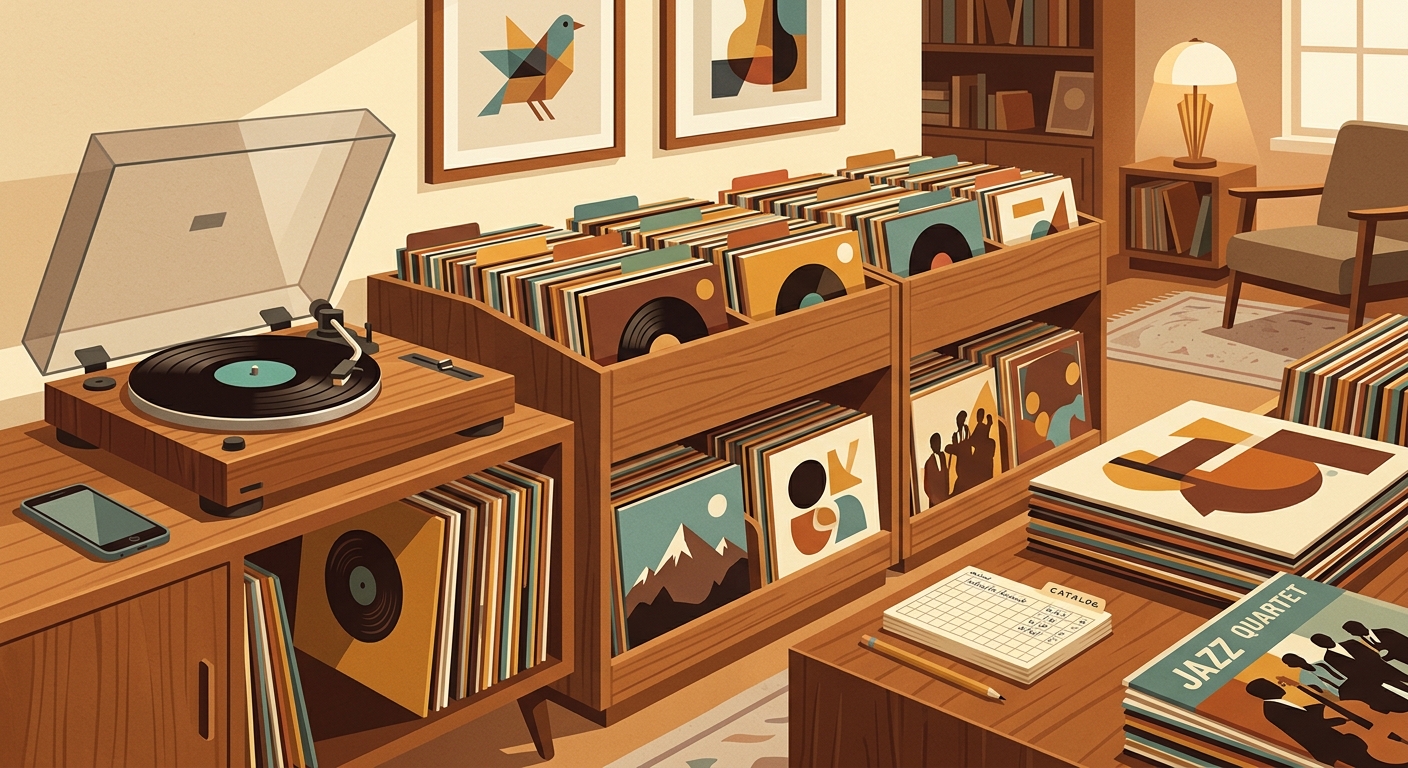
Bringing home a new record should feel like the start of a listening session, not the start of a data-entry shift. The best add new vinyl workflow is simple: capture enough information to find the record later, connect the physical copy to your listening history, and leave the obsessive release archaeology for the records that actually need it.
That balance matters because vinyl is not a tiny niche anymore. The RIAA reported that U.S. physical music revenue reached $2.0 billion in 2024, up 5% year over year, with vinyl revenue up 7% to $1.4 billion. LP and EP shipments reached 43.6 million units, and vinyl albums outsold CDs in units for the third straight year. More records in circulation means more chances to buy duplicates, misfile a sleeve, or forget which pressing you grabbed at a shop.
Start with the physical record, not the app
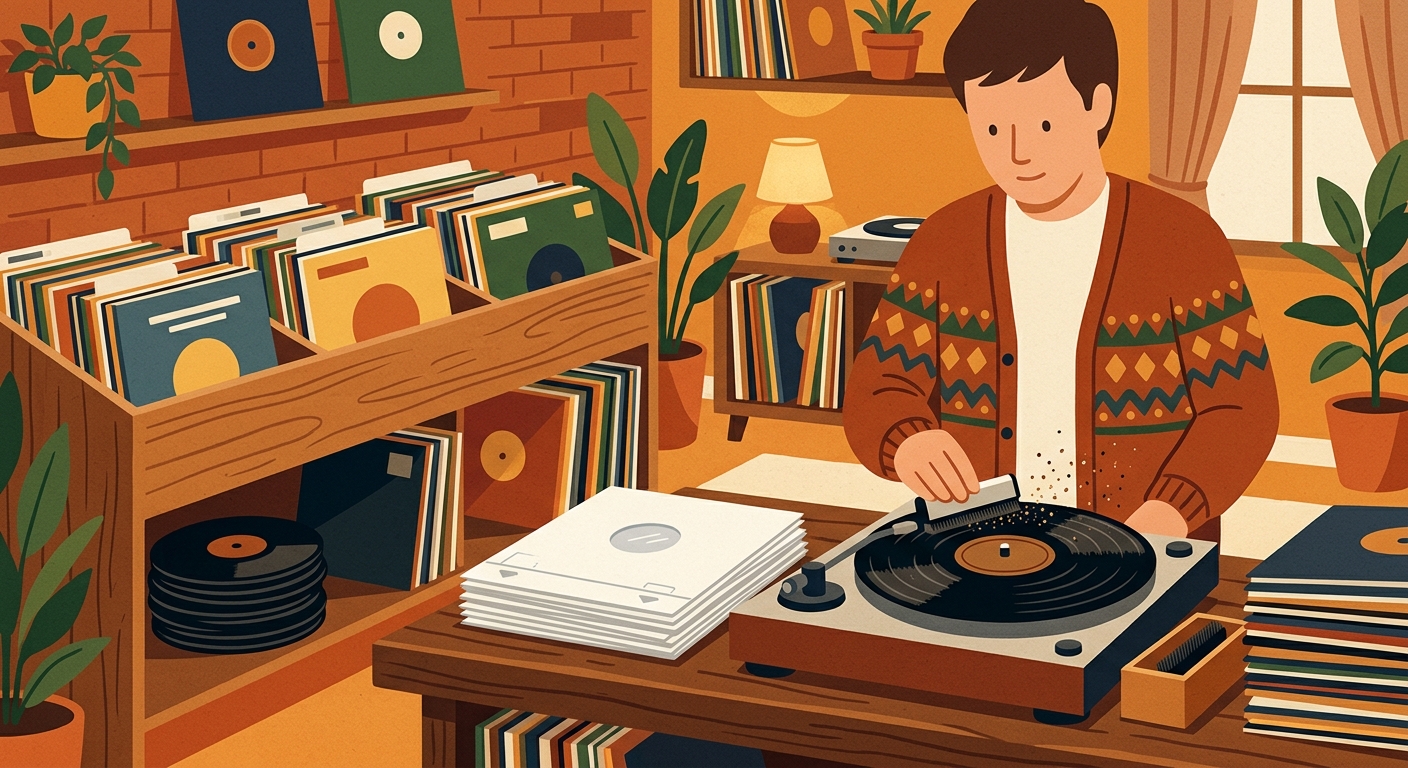
Before you touch any screen, inspect the copy. Keep the jacket, inner sleeve, hype sticker, barcode, matrix notes, and inserts together until the record is logged. A vinyl record is an analog disc with a modulated spiral groove, usually beginning near the outside edge and ending near the center, so condition is not cosmetic trivia. Dirt, warps, groove wear, and sleeve splits all affect what you hear and what you would want to know later.
The minimum useful capture is artist, album title, format, condition, purchase source, purchase date, and where it lives on the shelf. If the record has a barcode, catalog number, label code, or obvious pressing note, grab it now. Those identifiers are what separate a 2024 reissue from an earlier pressing, and they are also the details you will not remember after the receipt disappears.
Use a two-pass workflow
The fastest workflow is two passes: quick capture first, detailed cleanup later. Quick capture happens when the record enters the house. Add the album, snap or confirm the cover, choose a shelf location, and mark whether it is sealed, clean, needs cleaning, or ready to play. If you use What's Spinning, this is also where the product fits naturally: once the record goes on the turntable, the app can connect the new addition to an actual listening session instead of making the catalog a static spreadsheet.
Detailed cleanup is for the records that deserve it. A dollar-bin copy of a common Fleetwood Mac LP may only need a condition note and shelf location. A Blue Note reissue, a Japanese pressing with an obi strip, or a limited color variant deserves more: label, catalog number, runout notes, variant color, and any inserts. Discogs is useful context here because its database is built around distinguishing specific releases, not just album titles. That release-level thinking is exactly what collectors need when two copies look similar but are not the same object.
What fields should your app require?
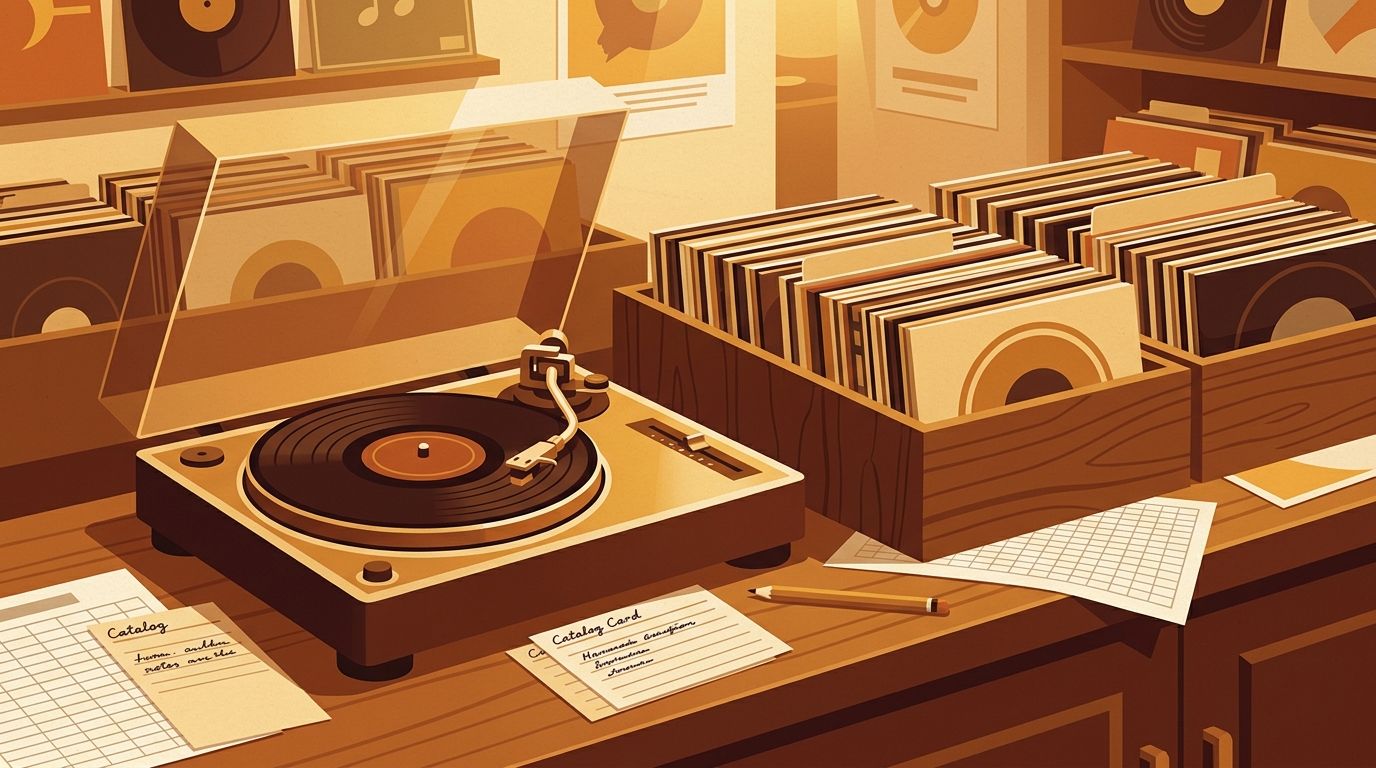
Do not make every field mandatory. A good record app should let you save a record in under a minute, then improve it later. Required fields should be album title, artist, and format. Recommended fields are shelf location, condition, source, price, and purchase date. Advanced fields are label, catalog number, barcode, country, pressing year, color, matrix/runout, and personal notes.
One practical example: you buy a used copy of Kind of Blue. The quick entry says Miles Davis, LP, used, jacket VG+, vinyl VG, bought at the local shop, Jazz shelf A. Later, while cleaning it, you add Columbia as the label, the catalog number, whether it is mono or stereo, and a note that side B has light crackle. The app now helps with three jobs: avoiding duplicates, finding the record, and remembering how that specific copy plays.
Make listening history part of the add flow
Most collection systems stop once the record is filed. That misses the fun part. The LP format, introduced by Columbia in 1948, became the standard album format because it gave artists room to sequence a longer experience. Your workflow should respect that by tracking the first play, not just the purchase.
After adding a record, play at least one side soon. Log whether it needs a wet clean, whether the pressing is noisy, and whether it belongs in regular rotation. This is where a listening-first app is better than a pure catalog. A collection that knows what you actually play is more useful than one that only knows what you own.
A simple add new vinyl workflow
- Inspect the copy. Check record and sleeve condition before anything gets separated.
- Create a quick app entry. Save artist, title, format, shelf location, condition, and purchase source.
- Capture identifiers. Add barcode, catalog number, label, and pressing notes if they are easy to see.
- Clean if needed. Mark the record as ready, needs dry brush, or needs deeper cleaning.
- Play it. Let the first spin become part of the record history.
- Finish metadata later. Reserve deep release matching for valuable, rare, confusing, or favorite copies.
Common mistakes to avoid
The biggest mistake is making the workflow too ambitious. If every new record requires perfect release matching, matrix decoding, and price tracking, the backlog wins. The second mistake is skipping condition. Condition is the difference between a duplicate you can sell, a keeper copy, and a placeholder you will upgrade. The third mistake is failing to log shelf location, which turns the app into a nice database that still cannot help you find the record on Friday night.
Keep the workflow light, repeatable, and tied to playback. Add the record when it arrives, enrich it when the details matter, and let your listening history tell you which purchases became part of your real collection.
Sources
FAQ
Create a quick entry with artist, title, format, condition, purchase source, and shelf location. Add pressing-specific details later only when they matter.
Not always. Exact release matching is useful for valuable, rare, imported, limited, or duplicate-prone records. For common listening copies, a clean basic entry is often enough.
Track record condition and sleeve condition separately. Add short notes for warps, surface noise, split seams, missing inserts, or records that need cleaning.
The first play reveals whether the copy sounds clean, needs care, or belongs in regular rotation. A listening history makes the collection more useful than a static inventory.
A spreadsheet tracks what you own. What's Spinning identifies what's playing.
On-device vinyl ID logs your listening history automatically. 7-day free trial.
Looking for Shazam for vinyl?
What's Spinning identifies what's playing on your turntable on-device, logs history, and AirPlays now-playing to your TV.
Comparing vinyl ID apps?
Analog requires Discogs and is iPhone-first (iPad coming). What's Spinning works without Discogs on iPhone and iPad with AirPlay.
Try What's Spinning Free
Turn your iPad into a live now-playing display. Track every record you spin.
START FREE TRIALThen $4.99/mo or $39.99/yr · Cancel anytime
Get it on your iPhone
Open on iPhone