A Practical Workflow for Tracking Your Vinyl Record Hauls
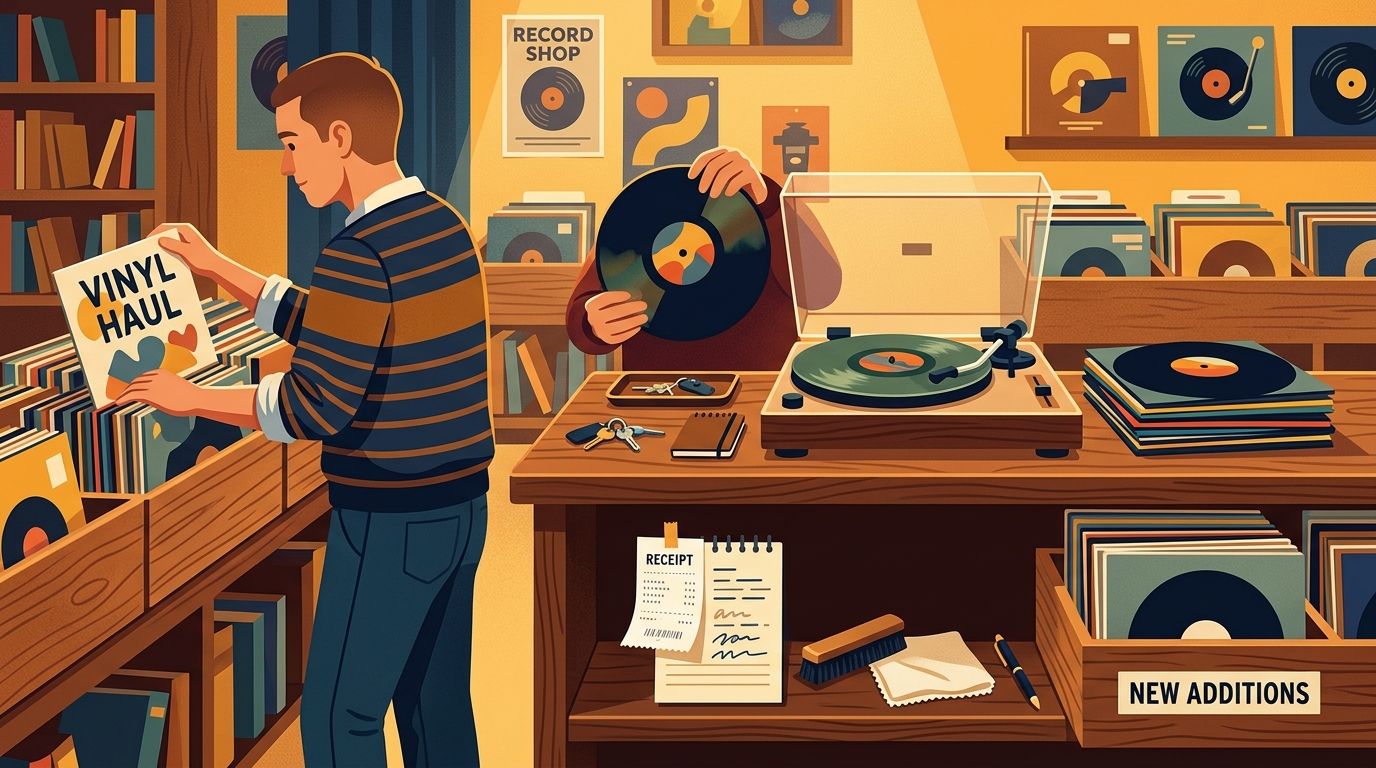
A good record haul has two lives. There is the fun part, walking out of a shop, fair, estate sale, or mail drop with a stack under your arm. Then there is the quieter part, figuring out what you actually bought, what condition it is in, how much you paid, where it belongs, and whether it becomes a record you play or a record you merely own. A simple workflow for tracking vinyl hauls keeps the fun from turning into a pile of mystery sleeves.
The stakes are higher than they used to be because vinyl is not a tiny side hobby anymore. The RIAA's 2025 year-end report counted 46.8 million vinyl units in the United States, up 7.9 percent from 2024, with vinyl value passing $1.0 billion at wholesale. That was the nineteenth straight year of vinyl growth, which means more new pressings, more variants, more used-bin competition, and more chances to lose track of what came from where.
Step 1: Photograph the haul before it disappears into the shelves
Before cleaning, sleeving, alphabetizing, or playing anything, take two quick photos: one of the full stack and one of the receipt, price stickers, or shipping label. This creates a time-stamped record of the haul and solves three common problems later: purchase location, purchase date, and total cost. If the haul came from multiple stops, photograph each shop's records separately. A $4 thrift-store copy and a $38 specialty-shop reissue may sit next to each other on the shelf, but they tell very different collecting stories.
Step 2: Triage before cataloging
Do not try to fully identify every pressing while you are still excited and tired. First, sort the stack into four piles: ready to play, needs cleaning, needs pressing research, and problem copy. Problem copy means warped, wrong disc, missing insert, badly split jacket, or a condition issue you need to document while the purchase is fresh. This first pass should take minutes, not an evening.
Condition notes matter because value follows condition. Tim Neely's Goldmine grading guide stresses that most people overestimate their records, and that strong light, visible defects, seam splits, writing, stickers, and groove wear all belong in the description. Goldmine also separates vinyl from cover condition, which is why a practical haul log should keep media grade and sleeve grade as two fields, not one vague note.
Step 3: Capture a minimum viable record
The best haul system is the one you will actually use. For each record, capture seven fields first: artist, title, format, purchase source, price paid, media condition, and sleeve condition. Then add three optional fields when relevant: pressing guess, cleaning status, and shelf location. That is enough to prevent duplicate buys, track spending, and find the record later. You can always add matrix notes, mastering engineer clues, hype-sticker text, or variant color after the first pass.
Discogs is useful here because its collection tools can be customized. Its support documentation says Collection Notes can be altered with custom fields, including field names, field order, public visibility, dropdowns, and free-text fields; it also warns that deleting a field deletes that information across releases. In other words, decide on stable fields early. Good haul fields include purchase date, purchase place, price paid, cleaning status, shelf cube, and grading notes.
Step 4: Research pressing details in batches
Pressing research is where collectors lose entire nights. Save it for a separate batch session. Work from the easiest clues to the hardest: barcode, catalog number, label design, country, year, runout etchings, inserts, and sleeve printer marks. If you cannot identify the exact version, mark it as "best guess" rather than pretending certainty. That small honesty helps future-you revisit the copy without corrupting your collection data.
For new records, note edition details that affect future memory: color variant, store exclusive, signed insert, numbered jacket, half-speed master, Record Store Day release, or replacement copy. For used records, note defects in plain language, such as "light ticks side B track 2" or "jacket VG due to 2-inch top seam split." Useful notes sound like something a buyer, insurer, or friend could understand.
Step 5: Connect the haul to listening
A haul is not finished when it is cataloged. It is finished when the records have entered your listening life. That is where What's Spinning fits naturally: let the app listen to your turntable and build the play log automatically, so your haul tracking does not stop at ownership. After a month, compare what you bought with what you actually played. The gap can be humbling in the best way. Maybe the cheap soul compilation became a weekly listen, while the expensive audiophile pressing never left its sleeve.
A repeatable 30-minute haul workflow
Here is the whole process in a realistic order. Spend five minutes photographing the stack and receipts. Spend ten minutes triaging condition, cleaning needs, and problem copies. Spend ten minutes entering the minimum fields. Spend five minutes setting aside anything that needs deeper pressing research. Then schedule listening naturally over the next week instead of forcing a marathon. If you bought twenty records, split the intake into two sessions. Accuracy drops when cataloging starts to feel like homework.
The goal is not to make record collecting feel like accounting. The goal is to protect the story of the haul: where you found the record, why you bought it, what condition it was really in, and whether it earned time on the turntable. When that workflow becomes routine, every new stack becomes easier to enjoy, easier to organize, and easier to remember.
FAQ
What should I record immediately after a vinyl haul?
Capture the purchase date, shop or seller, total paid, condition, pressing clues, and a quick first-play note. Those fields are easier to remember on haul day than two months later.
Do I need to identify the exact pressing right away?
No. Mark uncertain copies as a best guess, then confirm details later using catalog numbers, runouts, labels, barcode, country, and inserts when you have better light and more patience.
How do I track records bought while traveling?
Use a trip tag or purchase-location field, then photograph the receipt or shop bag. Travel context is exactly the detail collectors forget, and it makes the collection more personal later.
Where does play tracking fit into a haul workflow?
After the intake pass, play each record and let listening data tell you which finds became part of your real rotation, not just your shelf count.
A spreadsheet tracks what you own. What's Spinning identifies what's playing.
On-device vinyl ID logs your listening history automatically. 7-day free trial.
Looking for Shazam for vinyl?
What's Spinning identifies what's playing on your turntable on-device, logs history, and AirPlays now-playing to your TV.
Comparing vinyl ID apps?
Analog requires Discogs and is iPhone-first (iPad coming). What's Spinning works without Discogs on iPhone and iPad with AirPlay.
Try What's Spinning Free
Turn your iPad into a live now-playing display. Track every record you spin.
START FREE TRIALThen $4.99/mo or $39.99/yr · Cancel anytime