Alternatives to Discogs for Tracking Your Vinyl
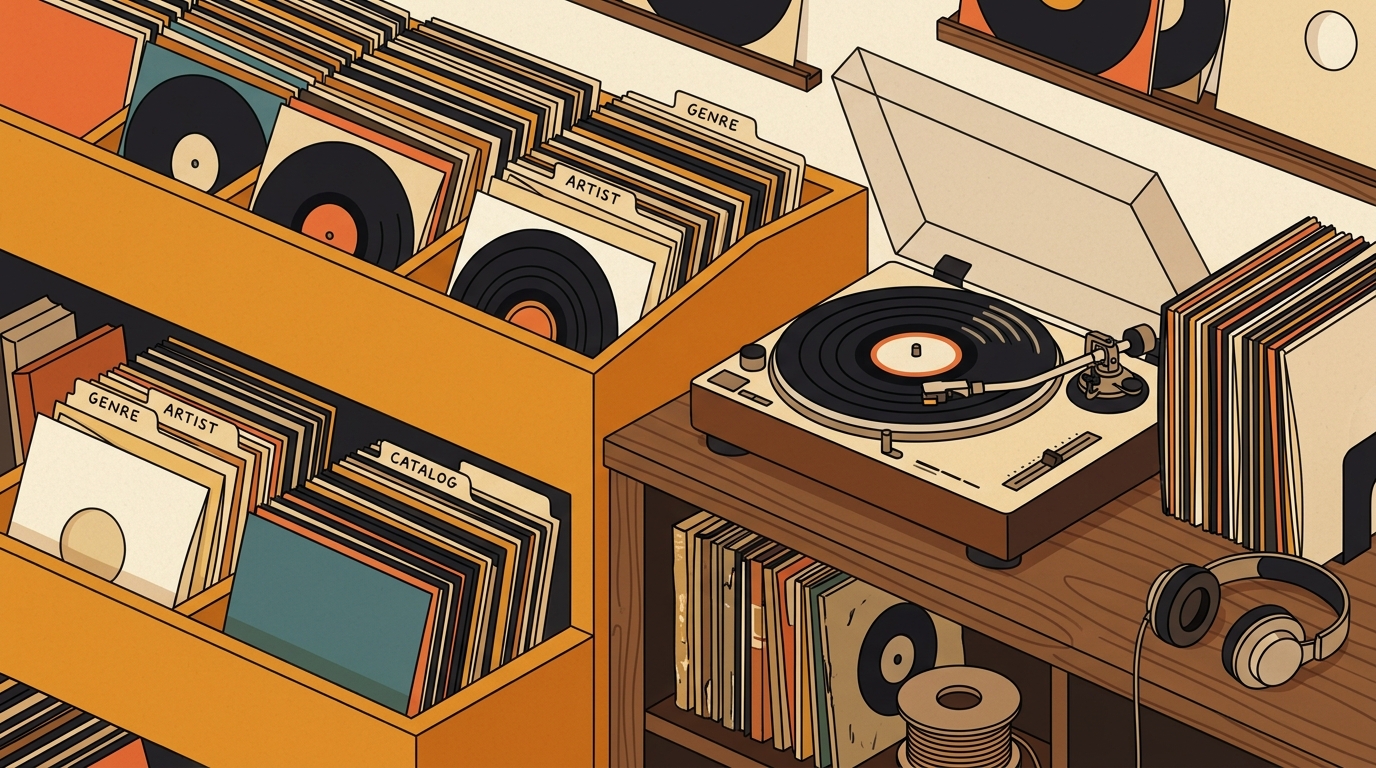
If you are looking for an alternative to Discogs vinyl tracking, you probably do not need someone to tell you Discogs is bad. It is not. Discogs is still the giant reference desk of physical music collecting, especially when exact pressings, catalog numbers, marketplace history, and wantlists matter. The problem is that many vinyl collectors now want something simpler: a day-to-day tracker for what is on the shelf, what gets played, what needs cleaning, and what is worth buying next.
The stakes are real because collections keep growing. The RIAA reported that U.S. vinyl revenue reached $1.4 billion in 2024, up 7%, and that vinyl albums outsold CDs for the third straight year, 44 million units versus 33 million [1]. More records means more duplicates, more forgotten purchases, and more reasons to choose a tracking tool based on behavior, not just database depth.
Why collectors look beyond Discogs
Discogs is strongest when you care about the exact release. Its own collection help explains that users can add releases from the Discogs database, track media condition and sleeve condition, add private notes, use custom folders, share a collection, and export collection data [2]. That is a powerful toolset, especially if you buy used records, compare pressings, or sell occasionally.
Still, that strength can become friction. A beginner may care more about avoiding duplicate purchases than matrix numbers. A listener with a few hundred records may want play counts, cleaning notes, room location, favorites, and quick mobile entry. The best alternative is not necessarily the biggest database. It is the one that matches how you actually use your collection.
CLZ Music: best for structured cataloging
CLZ Music is one of the clearest Discogs alternatives if you want a dedicated cataloging app for CDs and vinyl records. CLZ says its mobile app can add albums by scanning barcodes, searching by artist and title, or searching by catalog number. It also lists automatic album details, cover art, track lists, personal fields such as purchase price and location, multiple collections, and CLZ Cloud syncing across devices [3]. The App Store listing describes it as a subscription app at $1.99 per month or $19.99 per year, with a seven-day free trial [4].
Choose CLZ if your main goal is a tidy personal database. It is especially practical for collectors who own vinyl and CDs, want barcode entry, and prefer a polished app over a social marketplace. The tradeoff is philosophical: CLZ is catalog-first. If your biggest problem is listening habits, not inventory accuracy, you may still want a separate play log.
Libib: best free option for mixed media shelves
Libib is broader than a record app, but that is exactly why it works for some households. Its site describes cataloging for books, board games, movies, music, and video games, with tags, notes, import and export, published collections, and mobile barcode scanning [5]. The pricing page says the Basic plan is free, supports up to 5,000 items and 100 collections, includes scanning or CSV import, exports to CSV, and syncs across devices [6].
MusicBuddy: best for a personal album library
MusicBuddy is another practical route for collectors who want their catalog on a phone without living inside a marketplace. Its App Store description calls it a music album management app for accessing an entire music catalog, sharing favorite albums, and tracking borrowed and lent albums. It also notes that the free version has a 50-album limit and can be upgraded in-app [7].
That borrowing feature sounds minor until you have actually lent a friend three records and remembered only two. MusicBuddy fits smaller and medium collections where ownership, lending, and quick reference matter more than global marketplace pricing.
Record Scanner: best for fast mobile entry
Record Scanner is built around speed. Its App Store listing says it can identify records by cover, barcode, or catalog number; add items to a collection or wishlist; and check prices [8]. That makes it appealing for record-store trips, thrift runs, and backlog cleanup when you have a stack of recent purchases waiting to be entered.
VinylBox: best if you still use Discogs Marketplace
VinylBox is less a rejection of Discogs than a mobile companion for collectors who sell or manage marketplace listings. Its App Store description says it tracks vinyl, CDs, and cassettes, syncs with a Discogs account, scans barcodes, searches releases, lists items for sale on Discogs, suggests prices, and manages Discogs Marketplace listings [9].
What's Spinning: best for listening history
Here is the distinction that matters: cataloging and listening are related, but they are not the same job. Discogs, CLZ, and Libib answer “what do I own?” What's Spinning is built around “what did I actually play?” That makes it useful as a companion to a formal catalog, especially if your collection has grown large enough that favorite records disappear into the shelf for months at a time.
How to choose the right alternative
Start with your real pain point. If you keep buying duplicates, choose a fast inventory app with barcode scanning. If you own records, CDs, movies, and books, Libib's mixed-media model is hard to beat. If you sell records, stay close to Discogs through VinylBox or the official Discogs app. If you want a beautifully organized database, look at CLZ. If you want to know what earns time on the turntable, prioritize listening history.
For larger collections, the best answer may be a two-tool system. Use one database for permanent facts: release, label, year, catalog number, condition, purchase notes, and estimated value. Use another layer for living behavior: plays, favorites, cleaning, mood, room, shelf, and what you want to hear next. That separation keeps your archive accurate and your listening life simple.
FAQ
The best choice depends on what you want to track. CLZ Music is strong for barcode-based cataloging, Libib is useful for a free mixed-media library, Record Scanner is quick on mobile, and What's Spinning is better if your priority is remembering what you actually play.
Not necessarily. Discogs remains excellent for release identification, pressing details, marketplace history, and wantlists. Many collectors get the best result by keeping Discogs as a reference and using another tool for listening history, shelf organization, or a simpler everyday catalog.
Yes. Discogs documents collection management, custom folders, notes, condition fields, and CSV export options. Save the original export untouched, then clean a working copy before importing or rebuilding your collection elsewhere.
Several do. CLZ Music, Libib, MusicBuddy, Record Scanner, and VinylBox all describe support for CDs as well as vinyl or broader media collections. Check the app before you commit, because some vinyl-first tools handle CDs better than others.
A spreadsheet tracks what you own. What's Spinning identifies what's playing.
On-device vinyl ID logs your listening history automatically. 7-day free trial.
Looking for Shazam for vinyl?
What's Spinning identifies what's playing on your turntable on-device, logs history, and AirPlays now-playing to your TV.
Comparing vinyl ID apps?
Analog requires Discogs and is iPhone-first (iPad coming). What's Spinning works without Discogs on iPhone and iPad with AirPlay.
Try What's Spinning Free
Turn your iPad into a live now-playing display. Track every record you spin.
START FREE TRIALThen $4.99/mo or $39.99/yr · Cancel anytime