Vinyl Listening Log Template for Collectors: Free Download
Free Listening Log Template
Track every spin with a simple log—or let the app do it automatically.
Then $4.99/mo or $39.99/yr · Cancel anytime
A good listening log template for collectors should do one simple thing: help you remember what actually happened when a record left the shelf and hit the platter. Not what you planned to listen to. Not what looks impressive in your Discogs collection. The real spin: the pressing, the room, the setup, the crackle, the song that caught you off guard, and whether the record deserves another play.
That matters more now because vinyl collecting is no longer a tiny hobby hiding in the back of the store. The RIAA's 2024 year-end report says U.S. vinyl revenue grew 7 percent to $1.4 billion, the format's eighteenth consecutive year of growth, and vinyl albums outsold CDs for the third year in a row, 44 million units versus 33 million. More records means more reissues, variants, used-bin finds, cleaning decisions, and duplicate-copy temptations. A listening log keeps the joy of collecting tied to actual listening.
Download the free vinyl listening log template
Why collectors need a listening log, not just an inventory
An inventory answers, "What do I own?" A listening log answers, "What am I using, loving, ignoring, or meaning to fix?" Those are different questions. A collection spreadsheet might say you own a 1977 copy of Rumours. A listening log can remind you that side A plays quietly, "Gold Dust Woman" has a repeating tick, and you wanted to wet-clean it before deciding whether to upgrade.
Discogs is excellent for ownership details and market context. Its sales-history documentation explains that estimated low, median, and high values are based on recent marketplace transactions, using up to the 30 most recent sales when available. That helps price a pressing. It does not tell you whether you played the record twice this week, whether your cartridge handled the inner groove cleanly, or whether a noisy copy still felt emotionally essential. That is listening-log territory.
The free vinyl listening log template
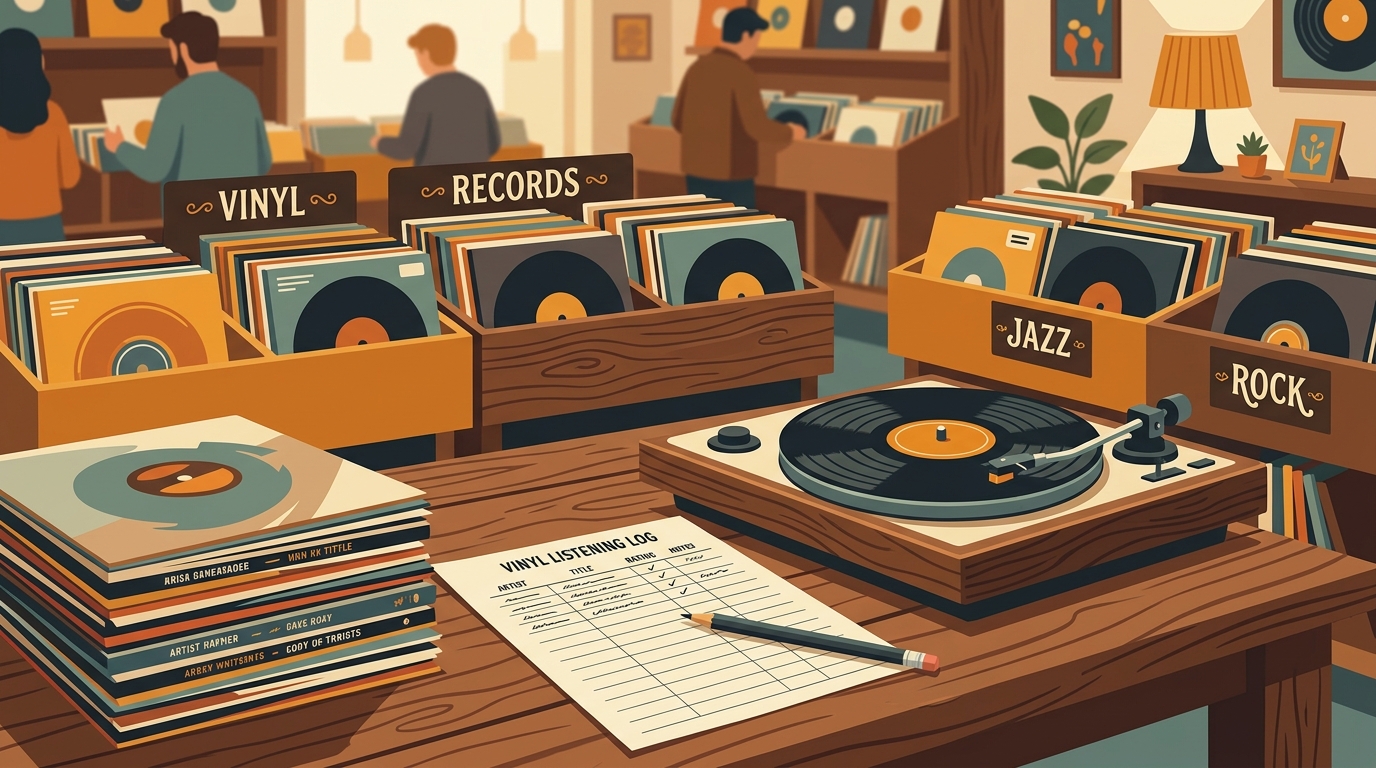
The downloadable CSV includes practical columns you can keep, delete, or rename: date, time, artist, album, pressing or catalog number, format, speed, condition heard, turntable, cartridge, speakers or headphones, cleaning notes, favorite moment, noise or skip notes, mood or occasion, rating, and next action.
Do not treat every column as mandatory. The best log is the one you will still use after the novelty fades. For everyday spins, date, album, and one honest sentence may be enough. For new purchases, valuable originals, records you are comparing, or used copies with condition questions, the extra detail pays for itself later.
How to fill it out without making listening feel like office work
Start with a two-week experiment. Log every record you play, but only require four fields: date, artist, album, and one note. Your note can be as plain as "side B sounded better after cleaning" or "played at dinner, everyone stayed in the room." That kind of detail is more useful than pretending every spin needs a miniature magazine review.
Use pressing details when they matter. If you own one modern copy of a common record, "2020 reissue" may be enough. If you have multiple copies, add catalog number, country, mono or stereo, colored vinyl, mastering notes, or a Discogs link. A collector comparing a U.S. original, a half-speed master, and a budget reissue needs different notes than someone simply remembering Sunday morning jazz.
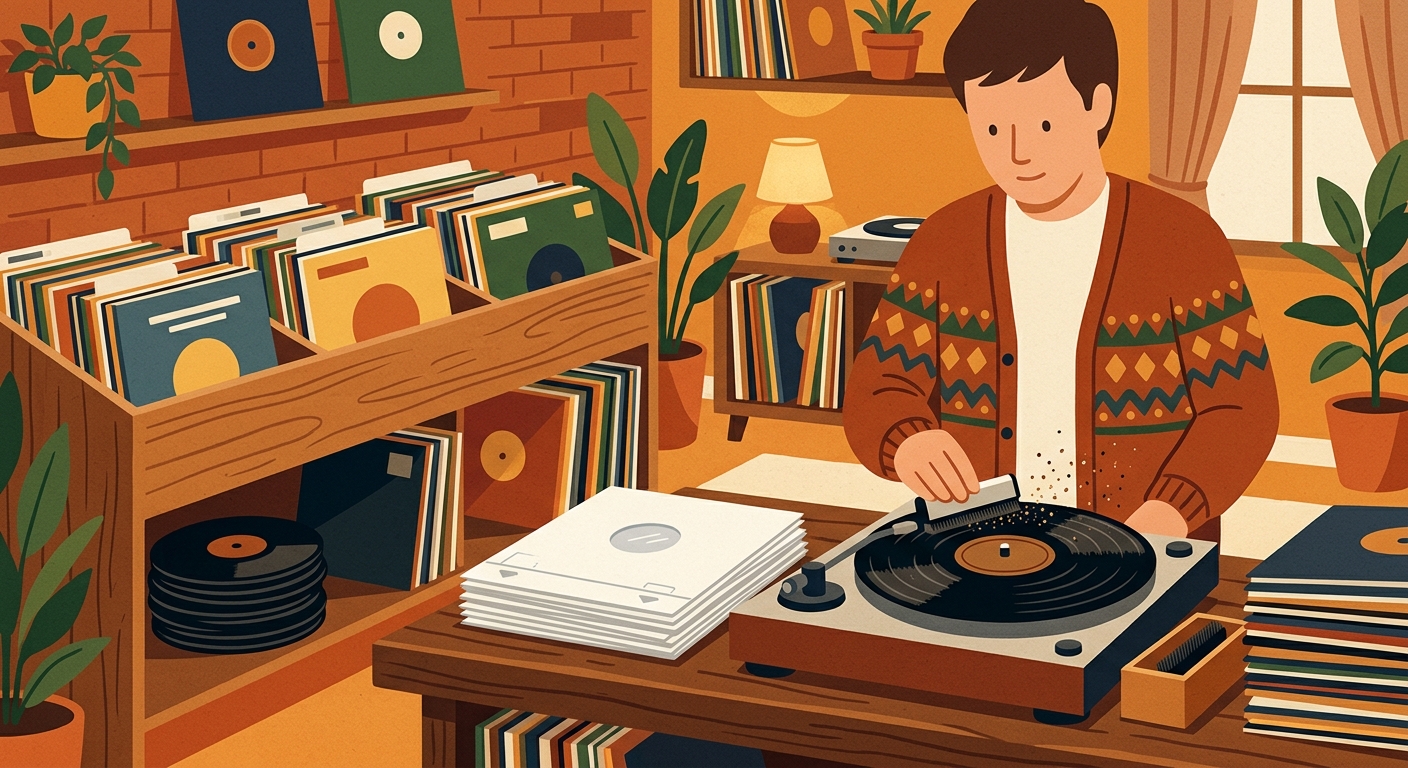
Condition notes should describe what you heard, not just the grade printed on a sleeve sticker. "VG+" is helpful shorthand, but "light right-channel crackle for first 30 seconds" is the note you will trust six months later. The Library of Congress recommends handling grooved discs by the edge and label areas only, keeping playback equipment clean, storing discs upright, and keeping food and drink away from audiovisual materials. A log gives those care habits a memory: last cleaned, new inner sleeve, skip persisted, needs inspection.
What the log will reveal after a month
After 20 or 30 entries, patterns appear fast. You may discover that your most expensive records are not your most played records. You may find an entire cube of the shelf that never moves. You might notice that headphones reveal surface noise you ignore through speakers, or that certain pressings sound better after a cartridge upgrade.
This is where a listening log becomes collection management rather than journaling. If a record gets played repeatedly, it may deserve a better sleeve, a cleaner copy, or a place near the turntable. If a sealed collectible never gets opened and you do not want to play it, maybe it belongs in the sell pile. If a bargain-bin copy makes you happy every month, the log protects it from being underrated just because it was cheap.
Spreadsheet, notebook, or automatic tracking?
A paper notebook feels natural beside a turntable. A spreadsheet is better for filtering by artist, format, rating, condition, or next action. An app is better when you want the habit to happen without extra typing. The best setup can be a hybrid: use the CSV template for notes that need human judgment, then let What's Spinning listen to your turntable and automatically track play history when records are actually spinning.
That split is healthy. Let software capture the fact of the play; use your own words for what the play meant. Collectors do not need more busywork. They need just enough memory to make better buying, cleaning, upgrading, and listening decisions.
Example entry
| Date | Saturday night |
|---|---|
| Album | Stevie Wonder, Innervisions |
| Pressing | 1970s Tamla copy, used-bin purchase |
| Condition heard | Quiet intro, a few ticks near the end of side B |
| Setup | Belt-drive turntable, elliptical stylus, bookshelf speakers |
| Favorite moment | The synth bass on "Too High" felt huge at low volume |
| Next action | Replace paper inner sleeve and play again this month |
Sources and further reading
- RIAA 2024 Year-End Revenue Report
- Discogs, sales history and collection value statistics
- Library of Congress, care, handling, and storage of audiovisual materials
- IFPI, Engaging with Music 2023 listening habits summary
FAQ
What is a listening log template for collectors?
It is a repeatable worksheet for tracking what you played, which pressing or setup you used, how the record sounded, and what you want to do next. For vinyl collectors, it connects shelf ownership with real listening habits.
Should I log every record I play?
Only if it stays easy. Start with date, artist, album, and one useful note. Add condition, pressing, setup, cleaning, and next-action fields when a record is new, expensive, noisy, or worth comparing.
Can this template work in Google Sheets or Excel?
Yes. The download is a portable CSV file, so you can open it in Google Sheets, Excel, Numbers, LibreOffice, Airtable, or a notes app that imports tables.
What should vinyl collectors track besides the album title?
Track pressing or catalog number, format, speed, condition heard during playback, turntable and cartridge, cleaning notes, favorite moment, skips or noise, rating, and next action. Those fields help you decide what to clean, replace, sell, upgrade, or replay.
Try What's Spinning Free
Turn your iPad into a live now-playing display. Track every record you spin.
START FREE TRIALThen $4.99/mo or $39.99/yr · Cancel anytime
Get it on your iPhone
Open on iPhone