A Practical Workflow for Migrating Discogs to What's Spinning
Free Collection Spreadsheet for Migration
Moving off Discogs? Use this spreadsheet to catalog your collection during the transition—or let the app identify records and log your listening history automatically.
7-day free trial, then $4.99/mo or $39.99/yr · Cancel anytime
If your record collection already lives in Discogs, you have done the hard part. You have release IDs, pressing notes, condition grades, purchase history, and years of collector context sitting in one place. The goal of a Discogs import workflow is not to throw that away. The goal is to carry the useful metadata into What's Spinning, then let your turntable build the part Discogs cannot easily capture: your real listening history.
That distinction matters because Discogs is huge. Its public API root reported 19,280,116 releases, 10,160,499 artists, and 2,408,706 labels when checked for this guide, which explains why collectors trust it for pressing-level research. Wikipedia describes Discogs as a user-generated database and marketplace for physical music, and notes that the database contains more than 19 million user-submitted release listings as of 2026. Discogs API Discogs overview
At the same time, vinyl collecting has become more active and more expensive. The RIAA reported that U.S. vinyl revenue reached $1.2 billion in 2022, and that LP and EP units outsold CDs for the first time since 1987. Clean collection data helps you avoid duplicates, find the right copy on the shelf, and see whether the records you buy are actually the records you play. Vinyl revival data
Step 1: Decide what Discogs should remain responsible for
Before exporting anything, be honest about what Discogs is best at. It is excellent for release research, marketplace history, seller grading language, matrix runouts, and distinguishing a 1977 U.S. pressing from a later European reissue. Keep using it for that. What's Spinning should become the layer around ownership, shelves, now-playing status, listening sessions, and habits. If you split the jobs clearly, migration feels calm instead of like a risky platform divorce.
Step 2: Export your collection and keep the raw file untouched
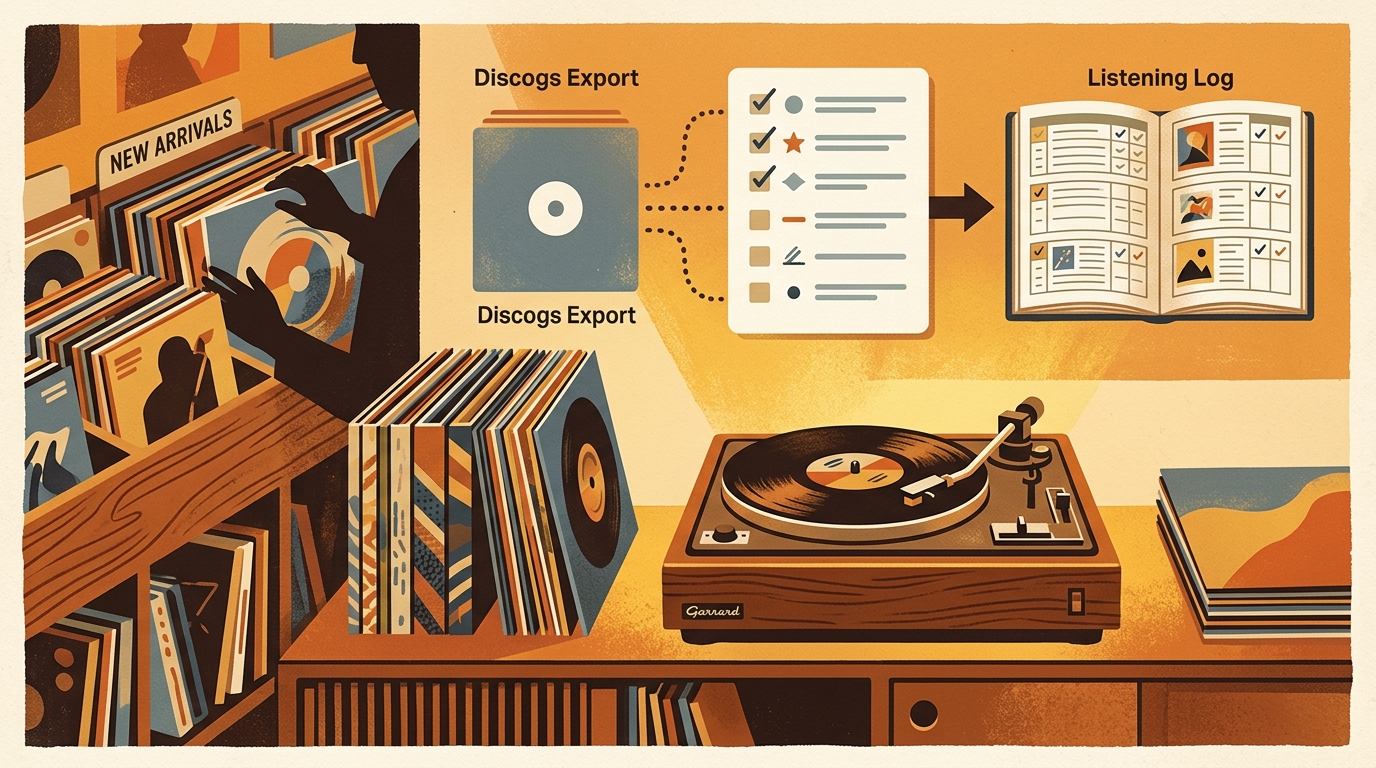
Use Discogs' collection export option and download the CSV. Save that original file somewhere boring and safe, for example discogs-export-original.csv. Then make a working copy. This sounds fussy, but it saves you when a spreadsheet app changes leading zeros in a catalog number, converts a date, or mangles a delimiter in a notes field. Your untouched export is the receipt.
The fields to protect are release ID, artist, title, label, catalog number, format, country, year, condition, sleeve condition, folder, rating, notes, and date added. If you use custom fields for purchase price, storage location, cleaning status, or pressing notes, keep those too. The public collection endpoint for Discogs exposes the same kind of collector-specific data, including instance_id, date_added, rating, and basic_information with formats, labels, artists, genres, styles, thumbnails, and cover images. That is the exact kind of structure you want to preserve during an import.
Step 3: Clean the data before importing
Do not start by editing titles one by one. Start with boring structural cleanup. Remove rows that are not vinyl if your What's Spinning library should only include records. Standardize formats so LP, 2xLP, 12-inch, and 7-inch are easy to filter. Keep box sets intact, but add a note when a Discogs release represents multiple records in one package. Normalize condition grades to the Goldmine-style values collectors already understand: Mint, Near Mint, Very Good Plus, Very Good, Good Plus, and so on.
Folders are worth extra attention. Many Discogs users have folders like Incoming, For Sale, Cleaned, Needs Cleaning, or DJ Crate. Map those into practical What's Spinning tags or shelves. If a folder represents a physical location, make it a shelf. If it represents a status, make it a tag.
Step 4: Import in batches, not all at once
If you have 80 records, one import is fine. If you have 800, import by folder, genre, or storage area. Batch migration lets you spot mismatched artists, duplicate albums, missing cover art, and strange format labels before they multiply. Start with a high-confidence shelf, maybe your jazz LPs or your new arrivals, then check ten random records against the physical sleeves. Look for title variants, catalog numbers, and condition notes.
This is also where What's Spinning becomes different from a spreadsheet. Once the records are in, the app can focus on what happens at the turntable. You keep the Discogs-derived pressing metadata, then add the living layer: now playing, recent spins, listening stats, and shareable collection context.
Step 5: Reconcile duplicates and variants carefully
Duplicates are not always mistakes. You might own a clean reissue for everyday listening, an original pressing for the archive shelf, and a beat-up duplicate for DJ use. The import should preserve those as separate copies when the release IDs, conditions, or notes differ. Where duplicates are accidental, merge only after checking the physical record. Catalog numbers and country fields catch many errors, but runout notes and label photos can matter for valuable pressings.
Step 6: Do a post-import listening audit
The best migration test is simple: play records for a week. Search for the album before dropping the needle. Confirm the copy is there, the artwork looks right, and the shelf location makes sense. If you repeatedly reach for records that were missing from the export, add them. If you keep finding records tagged incorrectly, fix the mapping and reimport that batch.
After a few listening sessions, the payoff becomes obvious. Discogs still tells you what a pressing is. What's Spinning starts telling you what your collection is doing. Maybe the expensive psych reissues barely leave the shelf, while a $12 soul compilation gets played every Friday night. That is the kind of collector data you only get by connecting the catalog to the turntable.
A quick migration checklist
- Export from Discogs and keep an untouched backup.
- Make a working CSV copy for cleanup.
- Preserve release IDs, catalog numbers, labels, formats, condition grades, notes, ratings, and folders.
- Convert folders into shelves or tags based on what they mean in real life.
- Import a small batch first and check it against physical records.
- Reconcile true duplicates separately from multiple legitimate pressings.
- Use a week of listening to catch bad mappings and missing records.
FAQ
Can I import directly from Discogs into What's Spinning?
Yes. The cleanest path is to export your Discogs collection, clean the CSV, preserve release IDs and pressing notes, then import that file so What's Spinning can become your daily listening log.
Should I keep my Discogs account after migrating?
For most collectors, yes. Discogs remains useful for marketplace prices, release research, and seller history. What's Spinning adds the layer Discogs does not focus on: what you actually play on your turntable.
What fields matter most during a Discogs import workflow?
Prioritize artist, title, release ID, format, label, catalog number, year, condition, notes, rating, and folder. Those fields are enough to identify pressings and rebuild practical shelves inside a new app.
How long does a migration take for a large collection?
A few hundred records usually takes one focused evening if the export is clean. A multi-thousand-record library deserves a staged import by folder or genre so you can catch bad metadata before it spreads.
Try What's Spinning Free
Turn your iPad into a live now-playing display. Track every record you spin.
START FREE TRIALThen $4.99/mo or $39.99/yr · Cancel anytime