App vs. Spreadsheet: Best Way to Track Vinyl
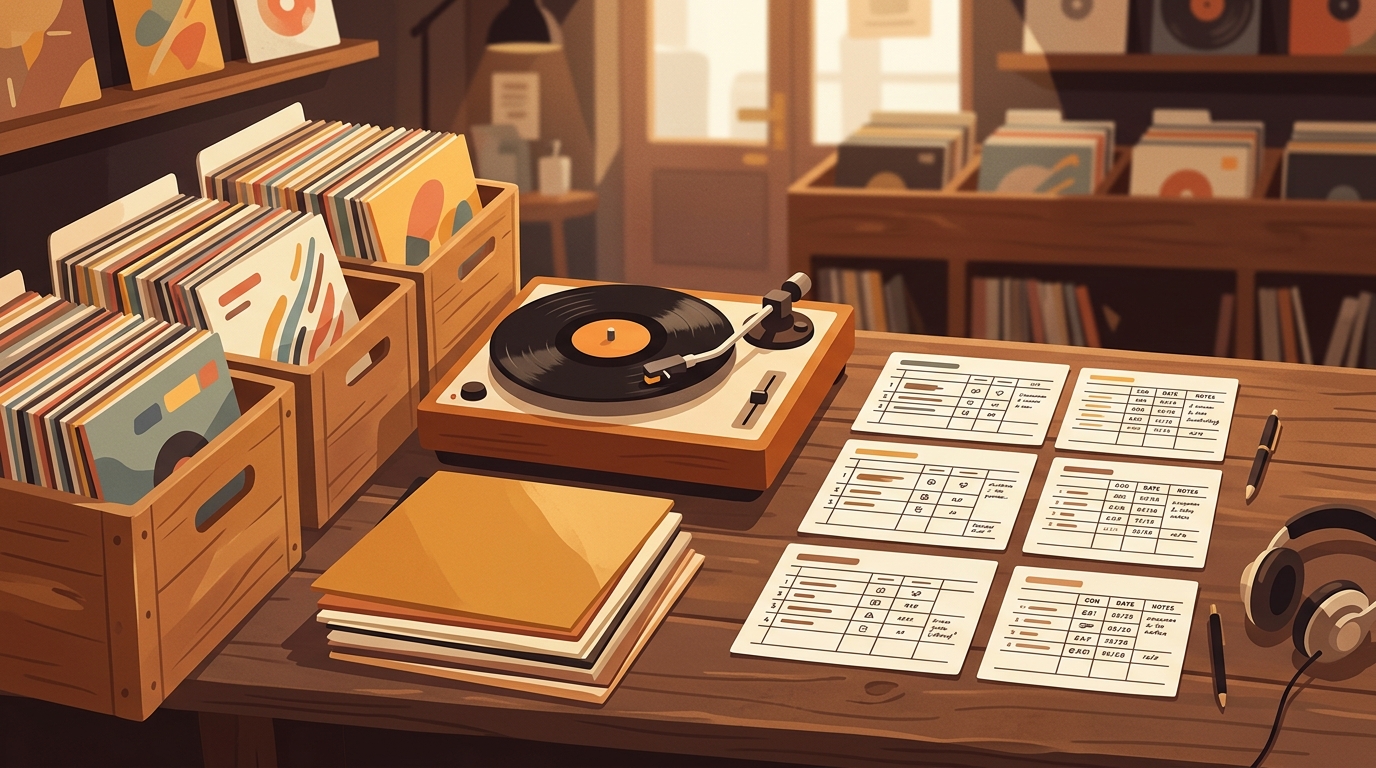
Spreadsheet vs. App—Your Call
A spreadsheet catalogs what you own. The app auto-identifies what's playing and logs your listening history. Grab the free CSV below—or try the app if you want hands-free tracking.
7-day free trial, then $4.99/mo or $39.99/yr · Cancel anytime
The app vs spreadsheet vinyl tracking debate sounds simple until your shelf stops being simple. Ten records are easy to remember. Fifty can live in your head if you play them often. Two hundred records, a few inherited boxes, some used-store finds, and three copies of the same favorite album are where the system starts to matter.
Vinyl is big enough now that casual tracking habits break down quickly. RIAA reported that U.S. vinyl revenue reached $1.4 billion in 2024, up 7%, marking vinyl's eighteenth straight year of growth. Vinyl albums also outsold CDs in units for the third year in a row, 44 million versus 33 million [1]. More buying means more duplicates, more condition notes, more pressing confusion, and more forgotten records hiding in the cubes.
So, should collectors use an app or a spreadsheet? The honest answer is that both can be right. A spreadsheet is cheap, flexible, and precise. A dedicated vinyl tracking app is faster, more automatic, and better at turning a collection into something you actually use. The best choice depends on whether you are mostly cataloging ownership or trying to understand your listening life.
Where spreadsheets shine
A spreadsheet is hard to beat for control. You can build the exact columns you care about: artist, album, year, label, catalog number, pressing notes, condition, purchase price, seller, cleaning status, shelf location, and whether the inner sleeve has been replaced. Google Sheets is especially friendly because it supports online spreadsheets, templates, real-time collaboration, and access from different devices [2].
That flexibility matters if your collection has personal quirks. Maybe you grade jackets separately from vinyl. Maybe you track mono versus stereo copies, runout inscriptions, Japanese obi strips, or which records came from your dad. A spreadsheet lets you create that language without waiting for an app to support it.
The downside is maintenance. Every row requires manual discipline. You buy a used copy, remember to enter it, type the condition, add the price, maybe paste a Discogs link, and later update the last-played field if you care. That works beautifully for collectors who enjoy data entry. For everyone else, the spreadsheet slowly becomes a museum of good intentions.
Where apps win
A vinyl tracking app wins when the record shelf is tied to behavior, not only inventory. A good app should answer questions a spreadsheet can answer only if you constantly feed it: What have I played this month? Which albums do I own but never spin? What was playing last night? What should I pull next? What's Spinning is built around that idea, it listens to your turntable and automatically logs what you actually play, so the collection grows around real listening instead of manual homework.
Apps also reduce friction while you are away from the desk. If you are flipping through bins and see a familiar title, a phone-friendly collection check can prevent accidental duplicates. If friends ask what is playing, a now-playing view is more natural than opening a spreadsheet. If you want stats by artist, genre, or recent plays, an app can surface patterns without you building formulas.
The tradeoff is structure. Apps make choices about fields, workflows, privacy, import formats, and what counts as a record. That can feel limiting to collectors who want absolute control. A jazz collector tracking exact Blue Note pressings may still want a spreadsheet column for Plastylite ear notes. A casual listener may never need that level of detail.
The Discogs factor
No serious comparison can ignore Discogs. During this research check, the public Discogs API reported more than 19.3 million releases, 10.1 million artists, and 2.4 million labels [3]. That scale is why many collectors use Discogs as the reference layer for pressing research and marketplace pricing.
But Discogs is not the same as a personal listening system. It is excellent for identifying a release, checking catalog numbers, and understanding market context. It is less focused on the everyday question of what you play, how your taste changes, or which records are becoming neglected. Many collectors are happiest with a hybrid setup: Discogs for release research, an app for active listening and day-to-day collection use, and a spreadsheet only for custom notes or insurance records.
Cost, backup, and portability
Spreadsheets feel safe because the file is yours. You can export it, duplicate it, sort it, and stash a copy in cloud storage. That makes spreadsheets excellent for insurance records, estate planning, and high-value collections where you want a simple document with purchase prices and condition notes.
Apps should be judged partly on exportability and trust. Can you get your data out? Does it support enough metadata for your collection? Does it save time every week, not just look nice on day one? A paid app is worth it if it removes friction you would otherwise avoid. It is not worth it if it becomes another place where you manually retype the same information.
Which one should you choose?
Use a spreadsheet if your collection is small, you enjoy detailed data entry, or you need a custom insurance-style inventory. Use an app if you buy records regularly, listen often, want mobile access, or care about play history. Use both if your collection is valuable enough to need formal records but alive enough that you want listening stats.
My practical recommendation is simple. Start with the system you will actually maintain. A perfect spreadsheet you never update is worse than a lightweight app you use every day. A beautiful app is not enough if you need custom fields it cannot store. The best vinyl tracking system is the one that still reflects reality six months from now, after the new-record excitement has worn off and the shelf has grown again.
FAQ
Is a spreadsheet enough for a small vinyl collection?
Yes. If you own 50 to 100 records and mostly want artist, title, condition, and price notes, a spreadsheet can work very well. The trouble starts when you want play history, duplicate warnings, photos, pressing details, or easy updates from your phone while browsing bins.
What fields should I track if I use a spreadsheet?
Start with artist, album, year, format, pressing notes, condition, purchase price, purchase date, store or seller, shelf location, cleaning status, and last played. Do not add twenty fields on day one unless you will actually maintain them.
Are vinyl tracking apps better than Discogs?
They solve different problems. Discogs is excellent for release research, marketplace context, and catalog data. A listening-focused app is better when the question is not only what you own, but what you actually play, how often you play it, and what is spinning right now.
Should I switch from a spreadsheet to an app?
Switch when updating the spreadsheet feels like homework. If your collection is growing, you buy used records often, or you want listening stats, an app will usually save time and capture more useful behavior than manual rows.
Try What's Spinning Free
Turn your iPad into a live now-playing display. Track every record you spin.
START FREE TRIALThen $4.99/mo or $39.99/yr · Cancel anytime
Get it on your iPhone
Open on iPhone